AI image prompt library
AI Image Prompts and Text-to-Image Examples
An AI image prompt is a creative brief translated into instructions a generation model can follow. This multi-model collection lets you work backward from real results instead of guessing photography, design and composition terminology from scratch.
Model syntax changes, but the reliable structure is consistent: purpose, subject, action, environment, composition, lighting, material, palette, aspect ratio and task-specific constraints.
A practical text-to-image workflow
Define use and aspect ratio
Decide whether the asset is an avatar, product hero, horizontal cover, vertical poster or infographic. Use determines layout and safe areas.
Describe in visual order
Move from subject and action to environment, camera, light, material and color, then add what must stay or must not appear.
Iterate from a real result
Choose a close example, generate, then change one visible problem at a time. Save useful versions instead of starting over.
Featured AI image prompt examples
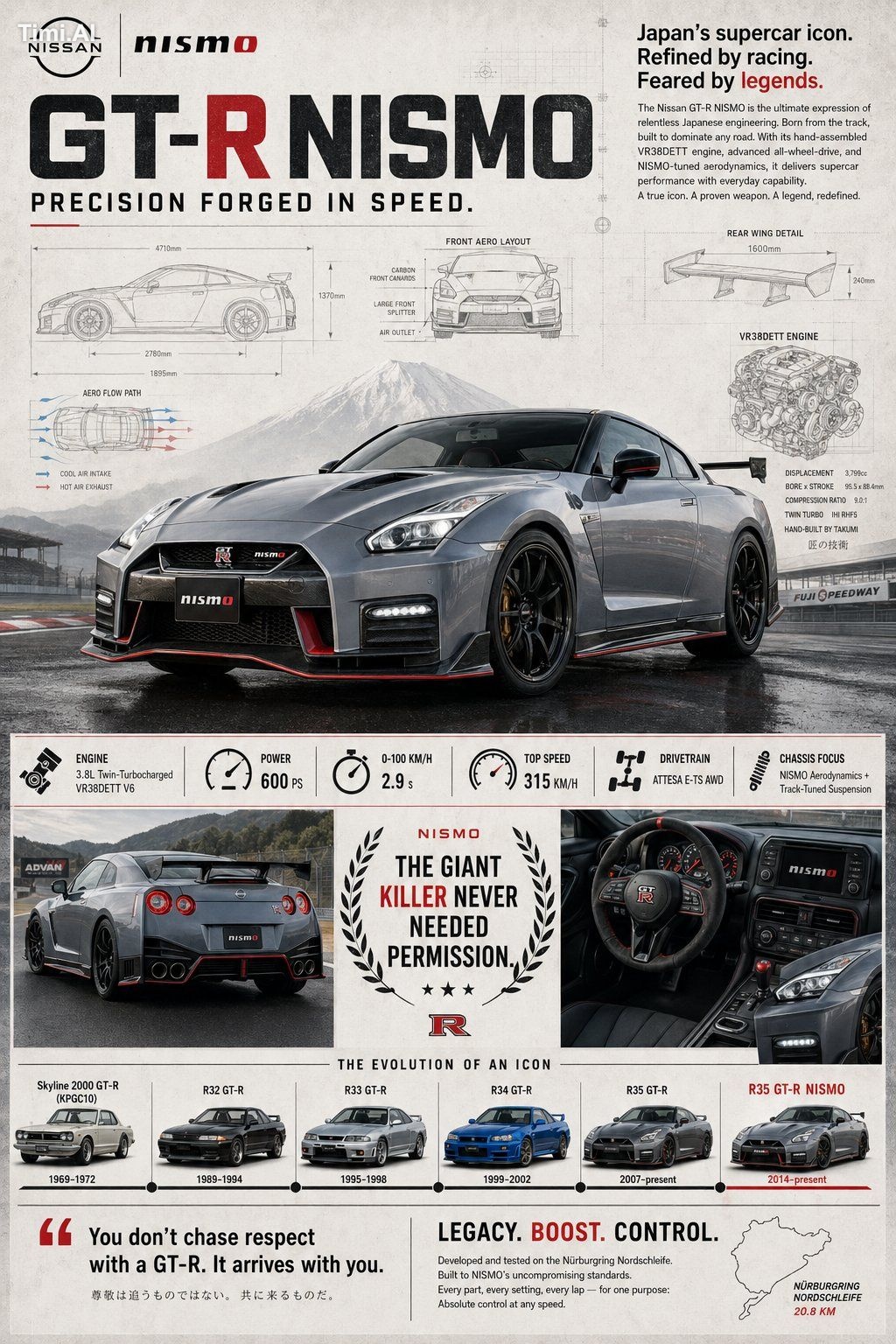
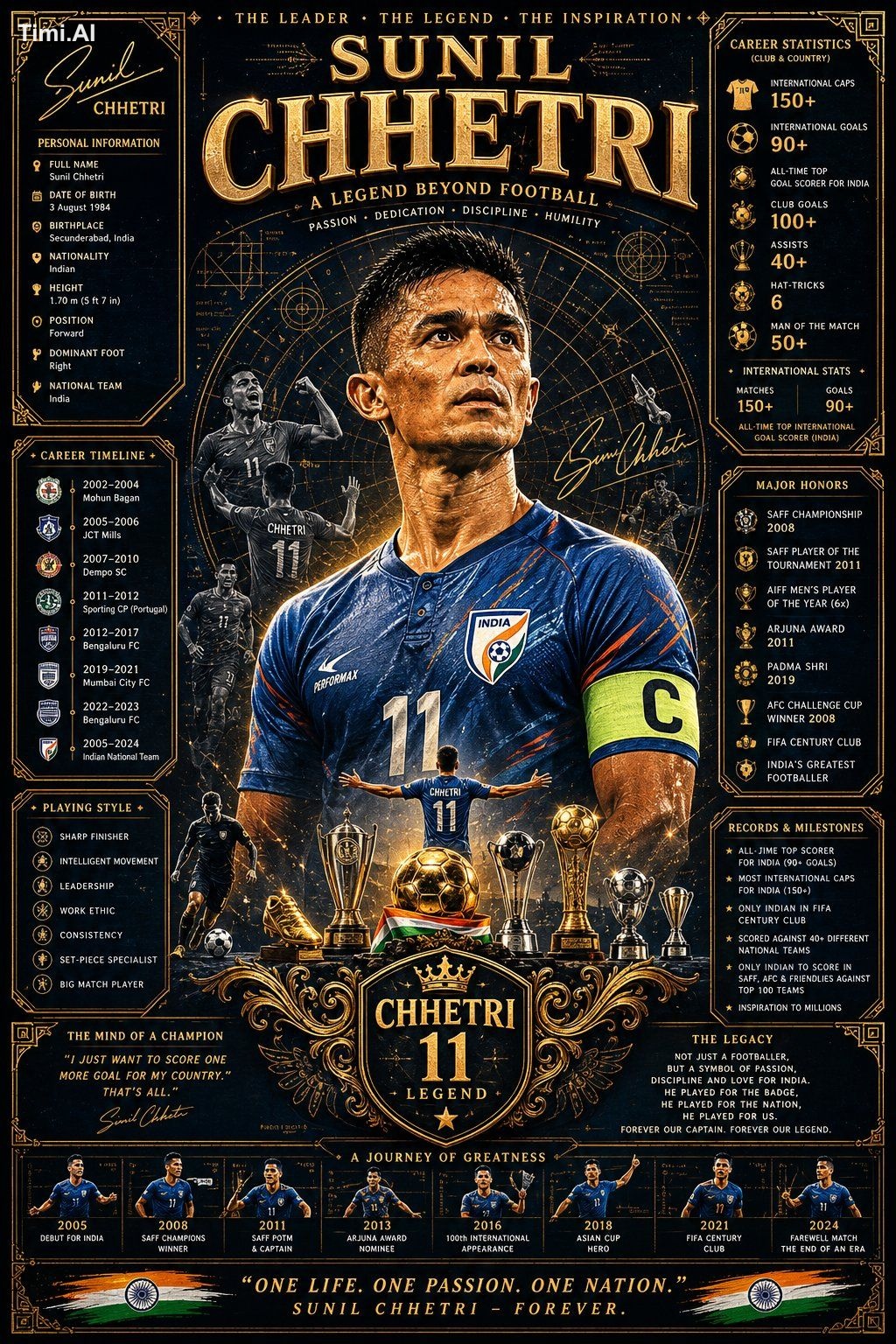
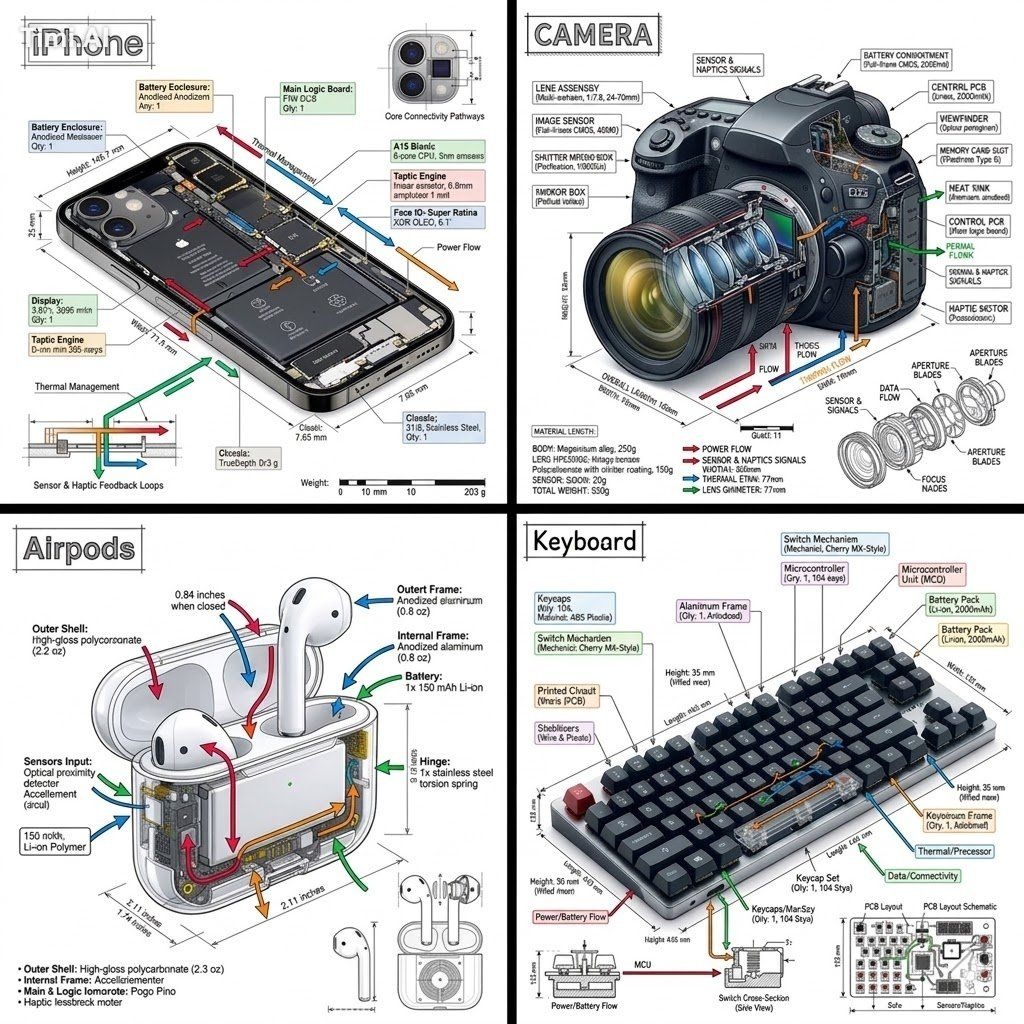
Compare real examples from GPT Image, Nano Banana, Midjourney, Seedream and other models to see how similar briefs behave across tools.
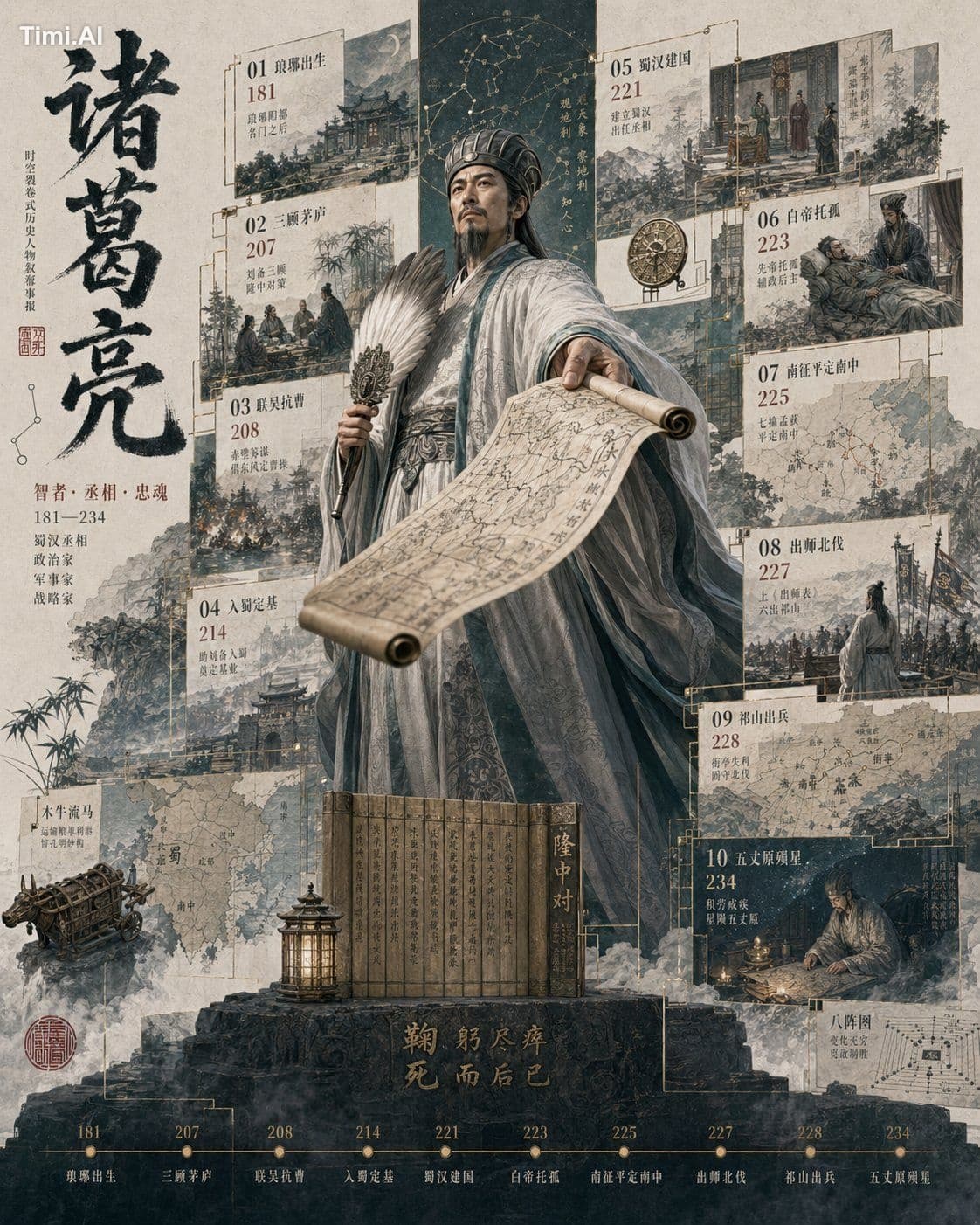
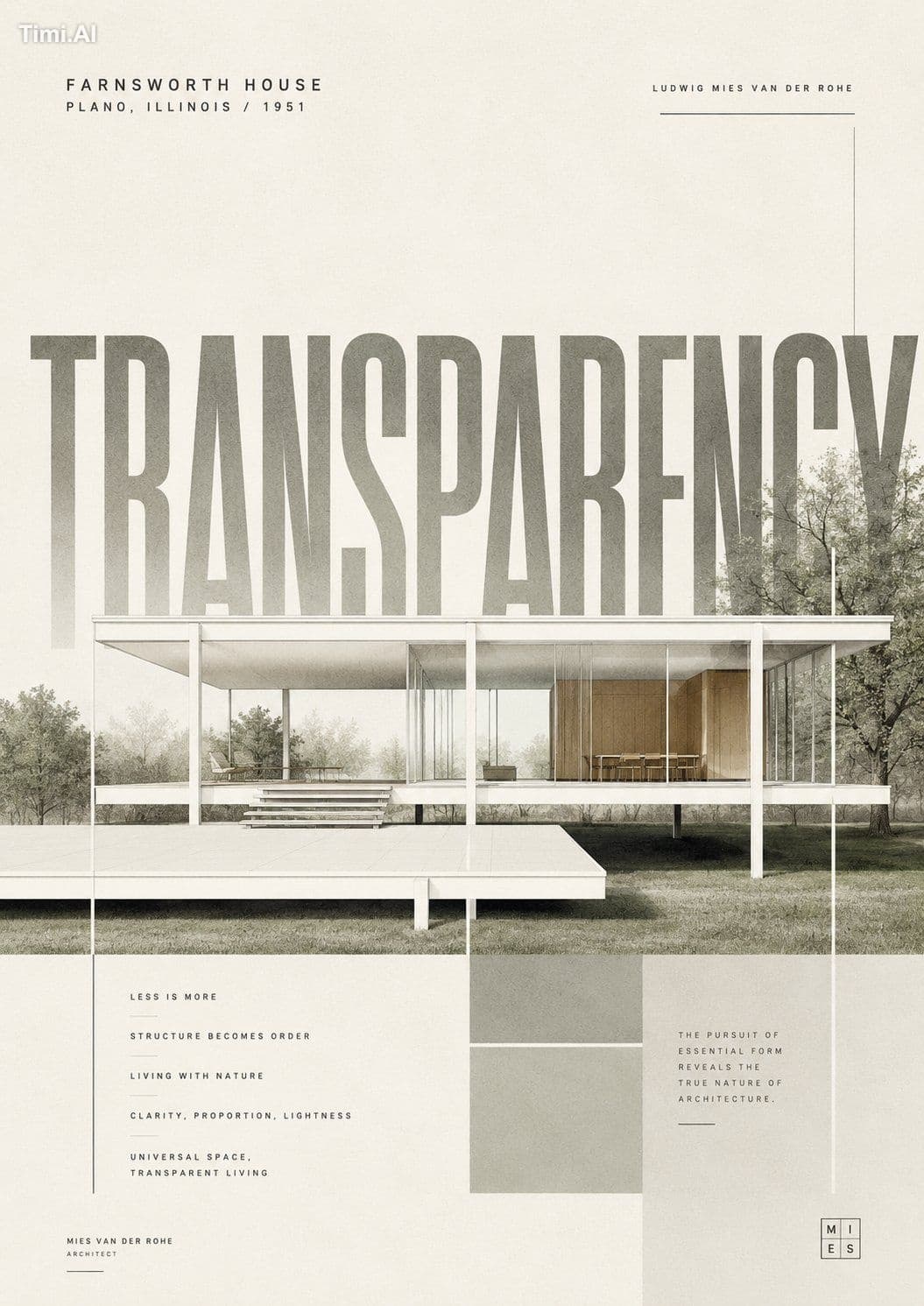

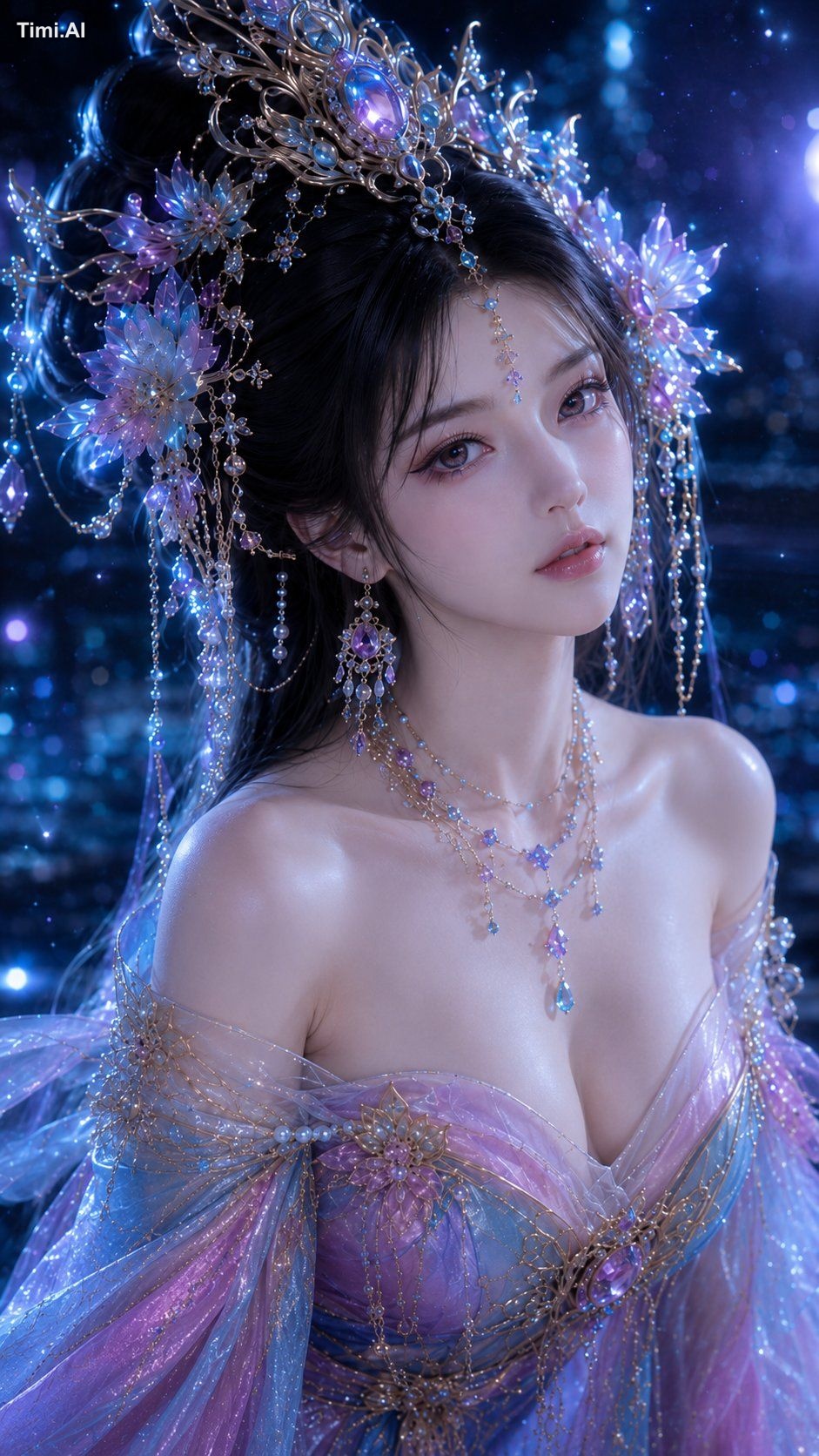
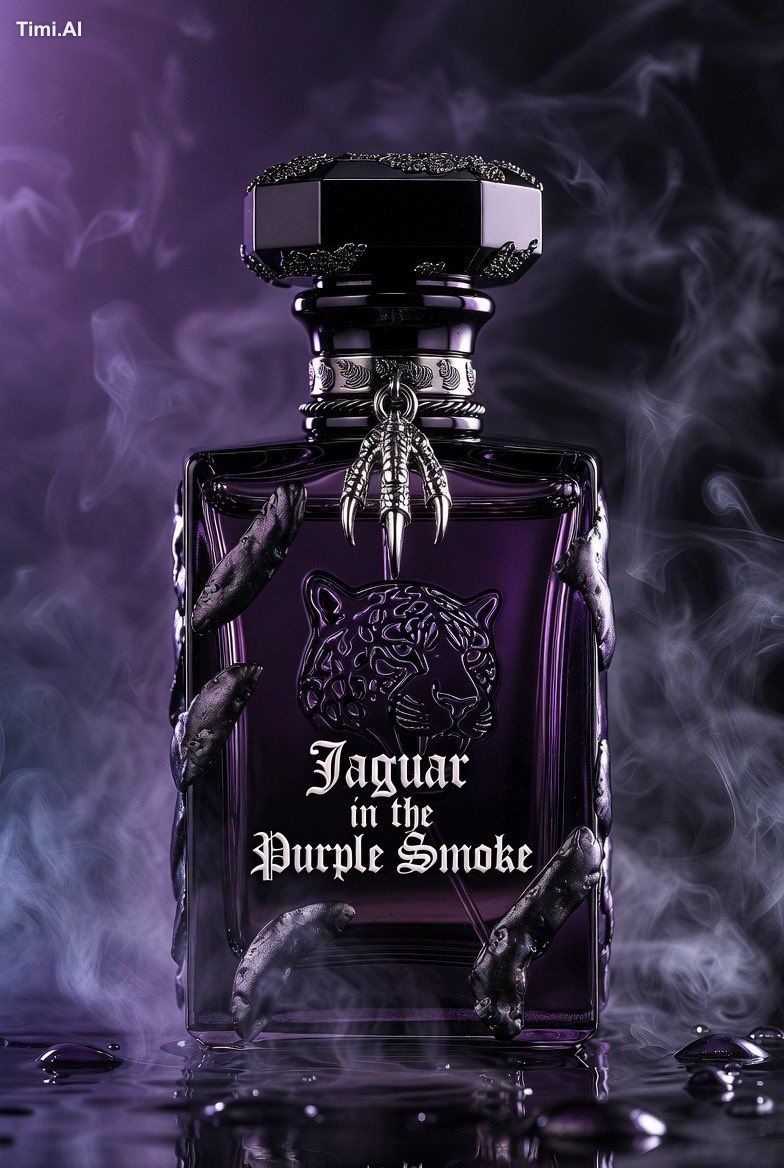
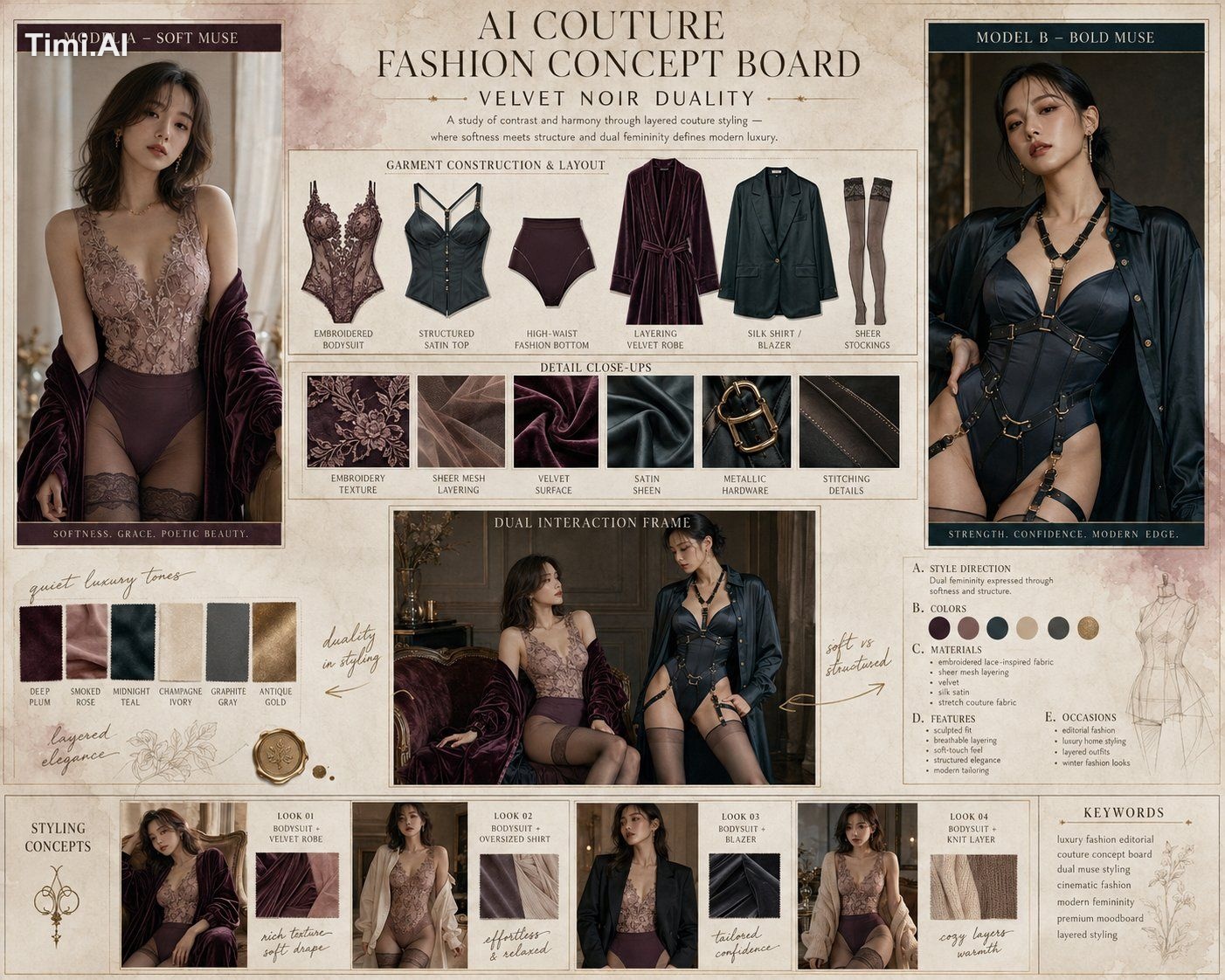
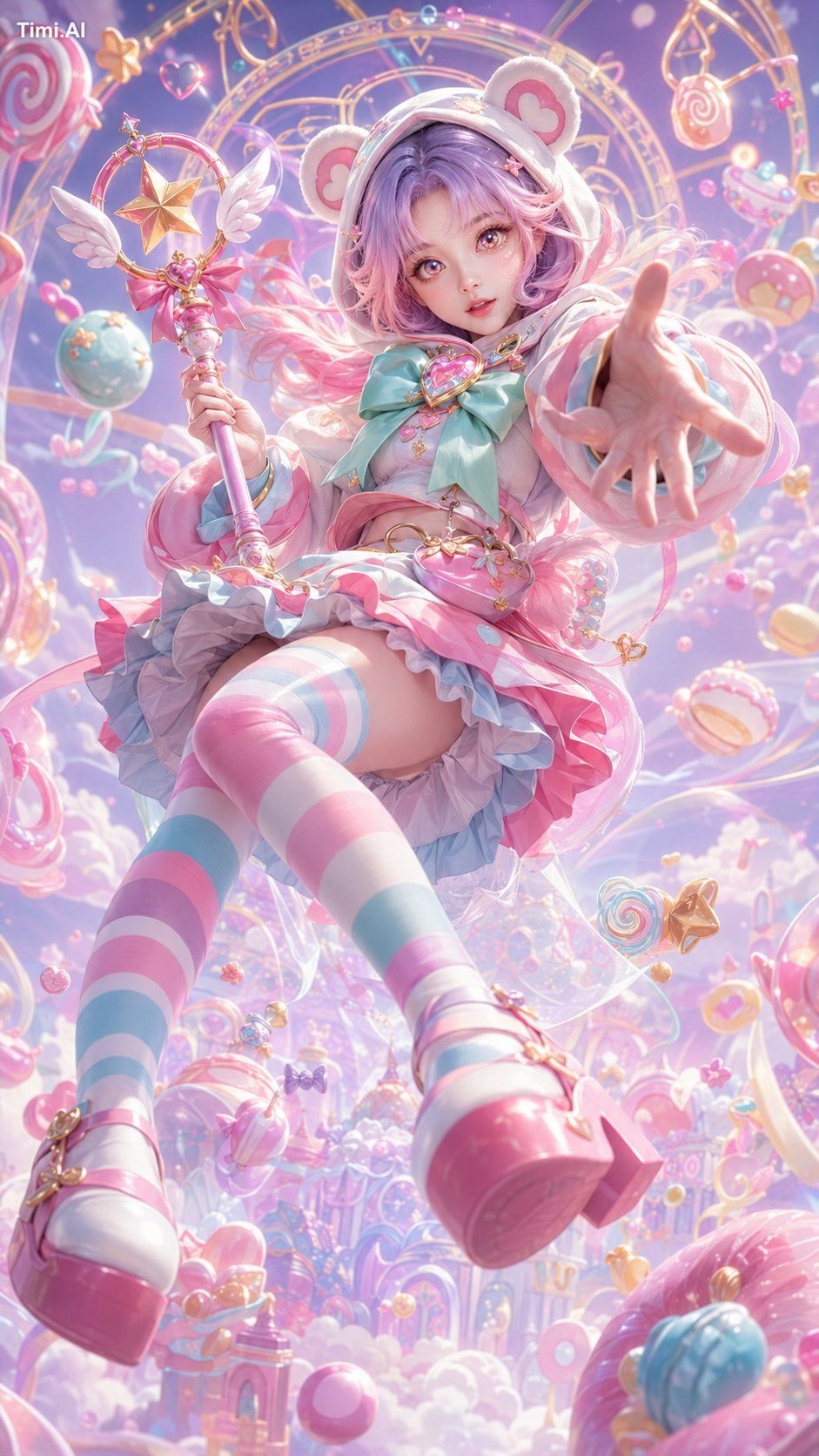
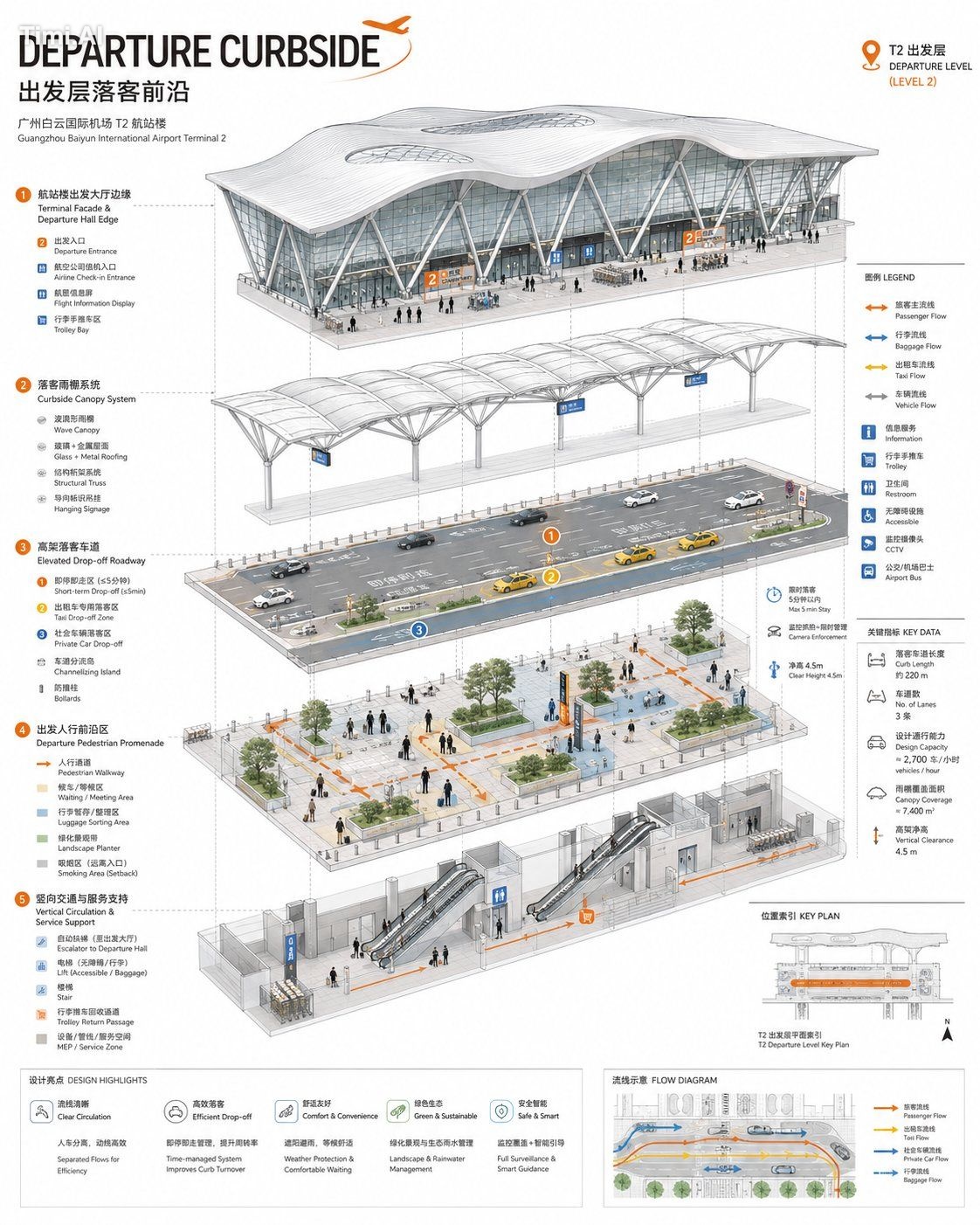
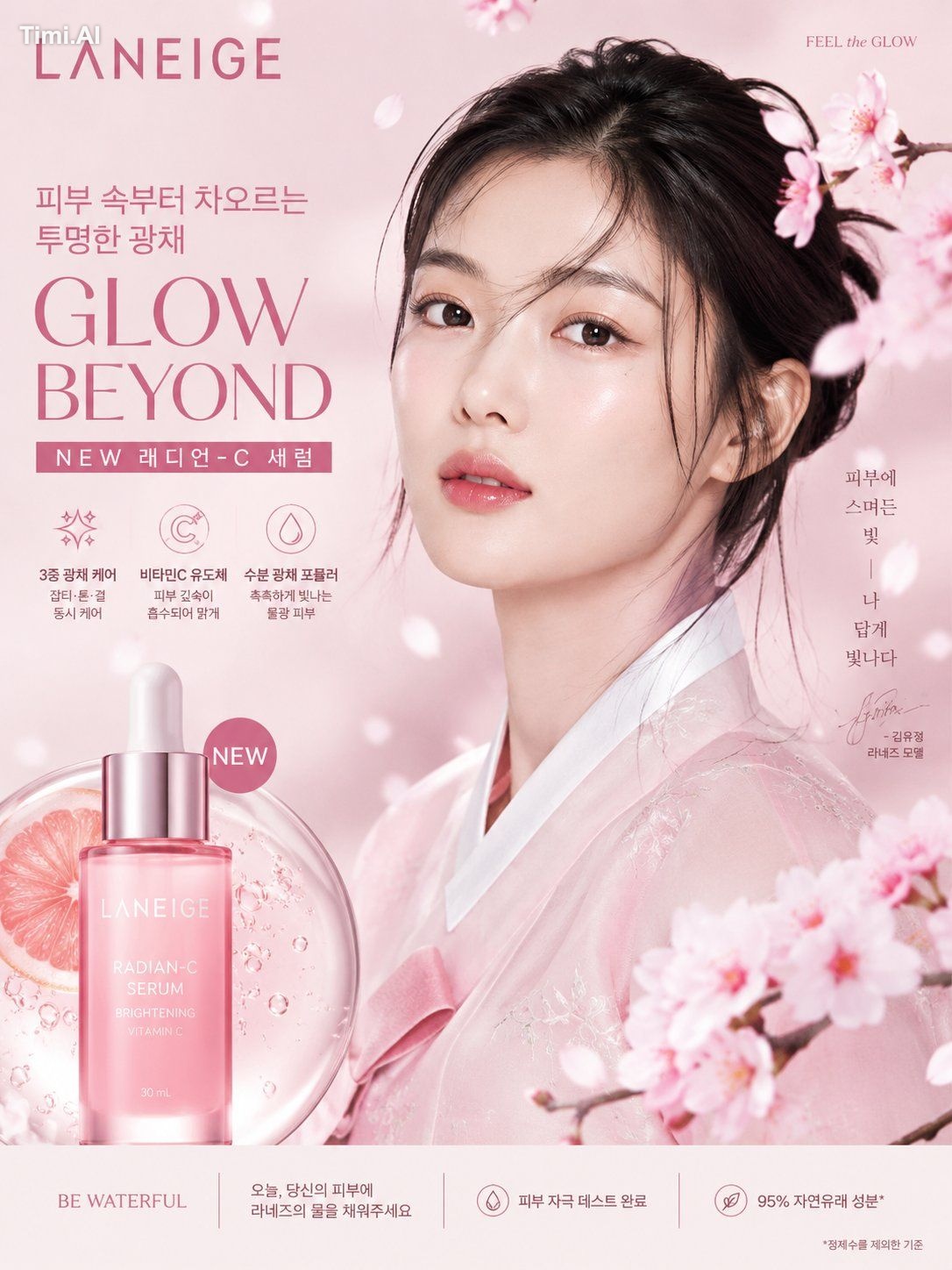
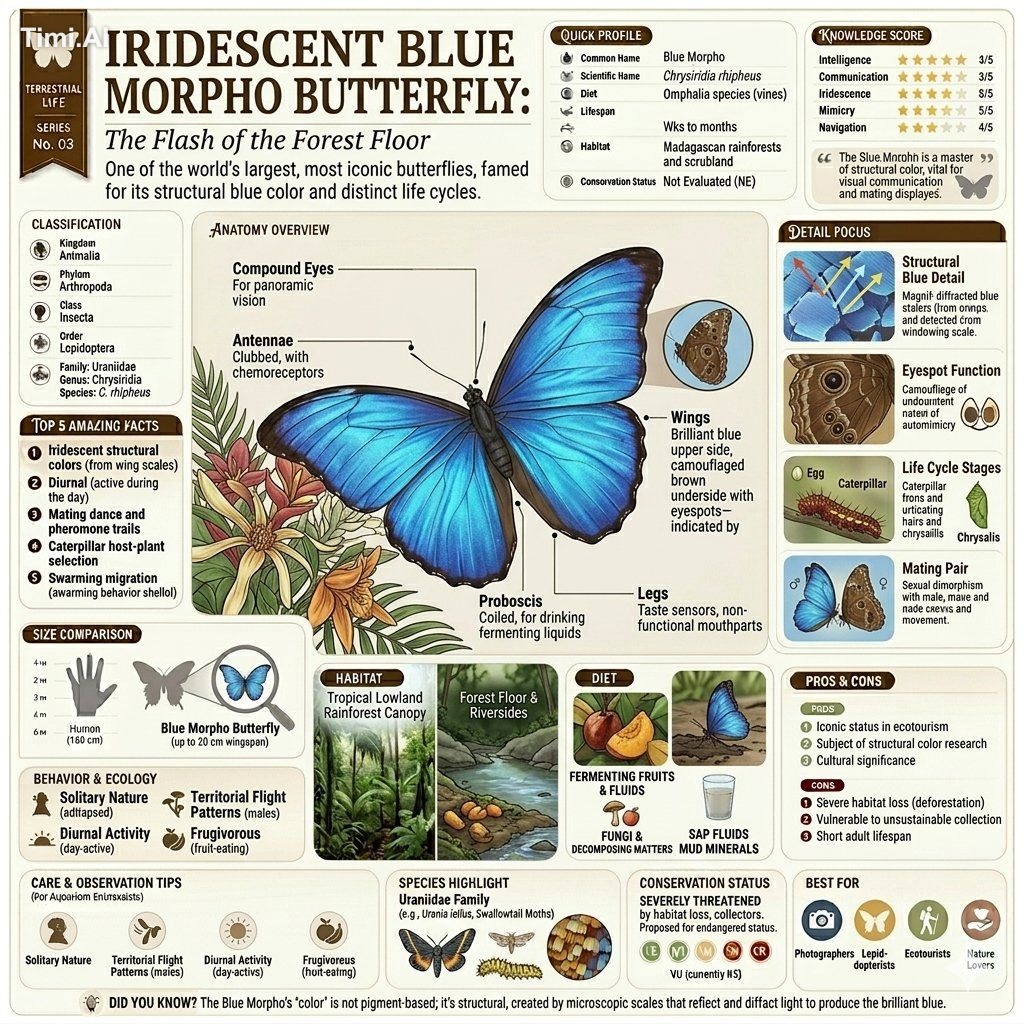
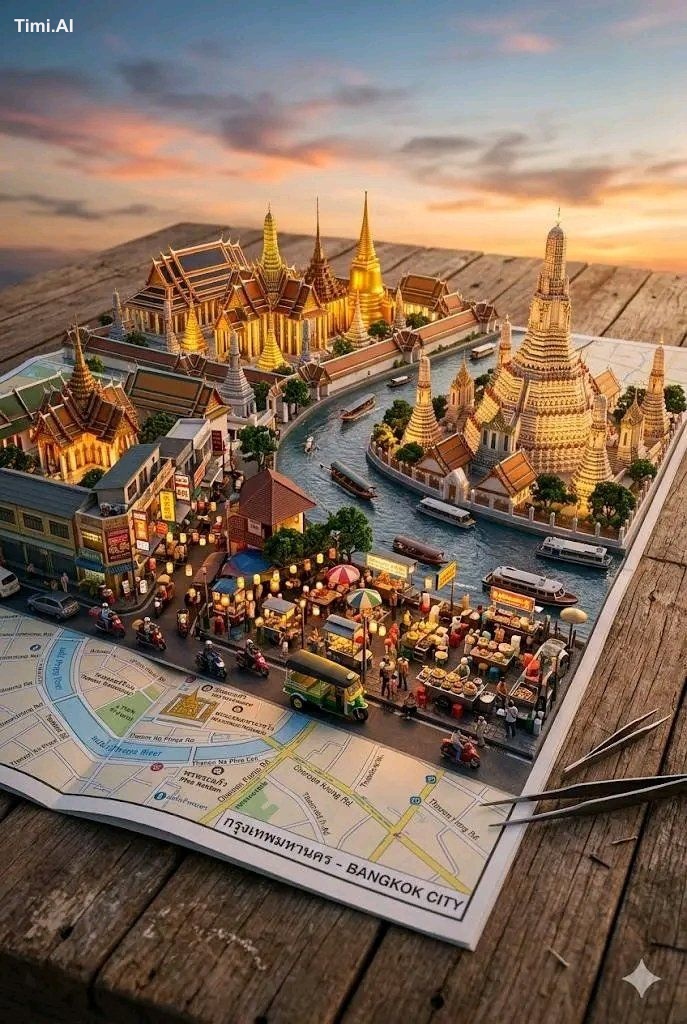
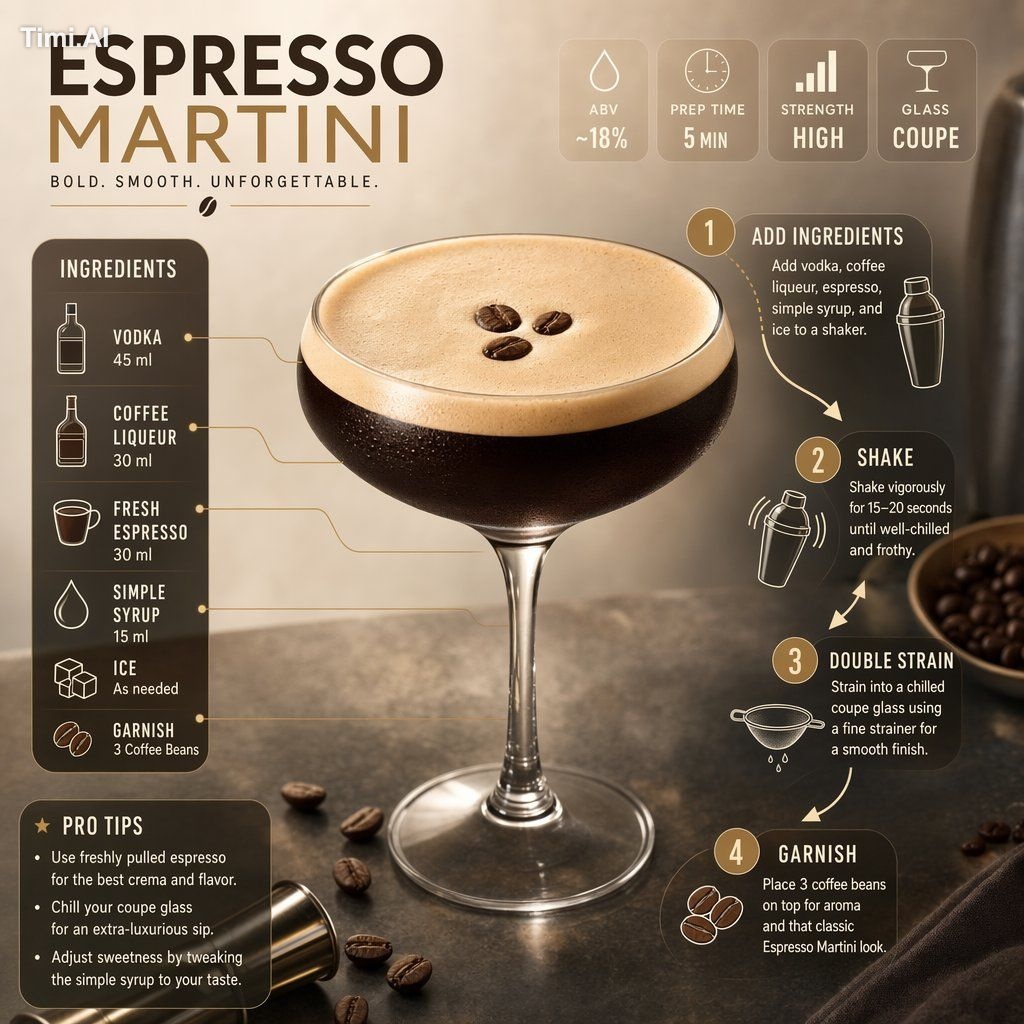
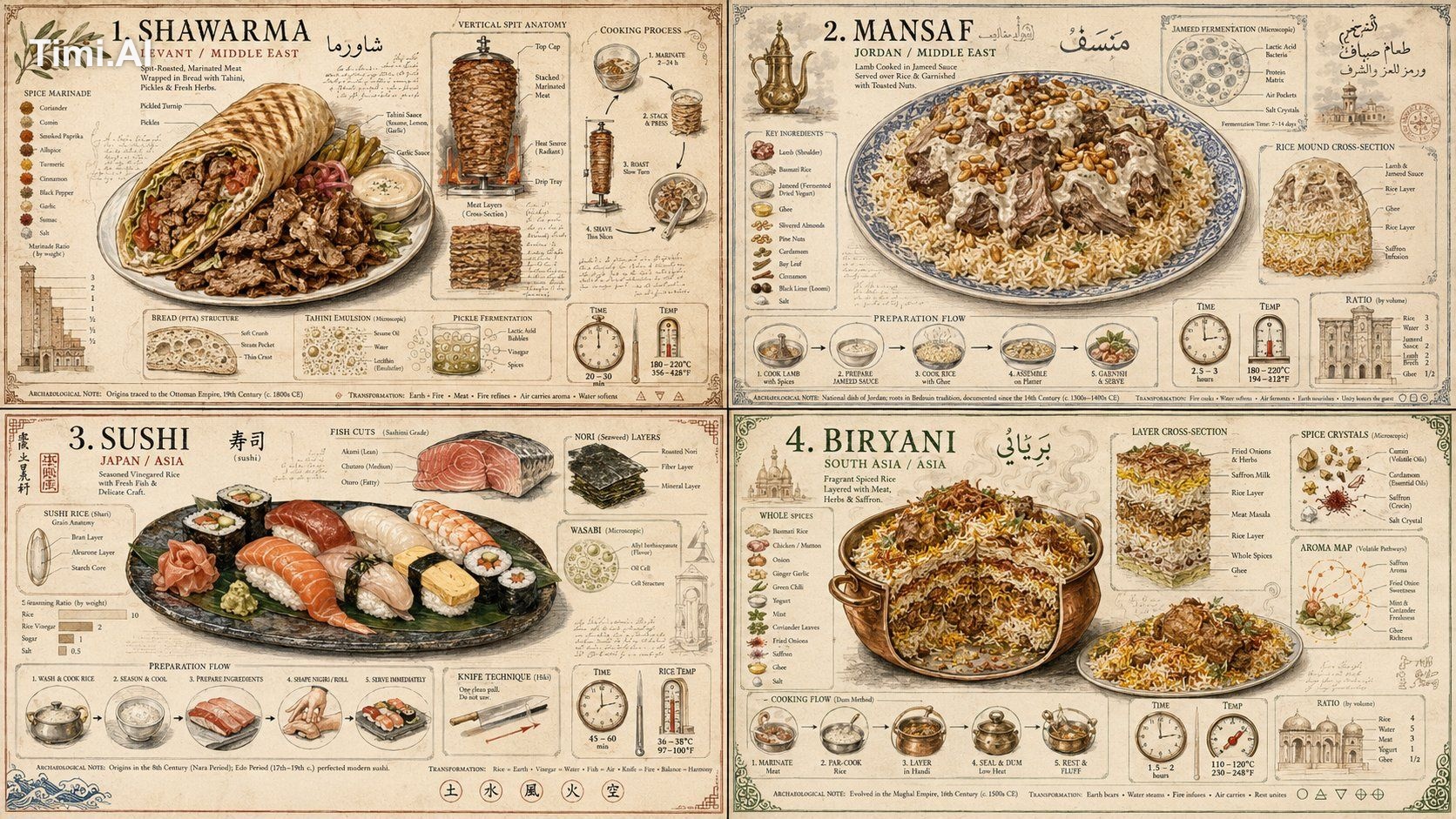
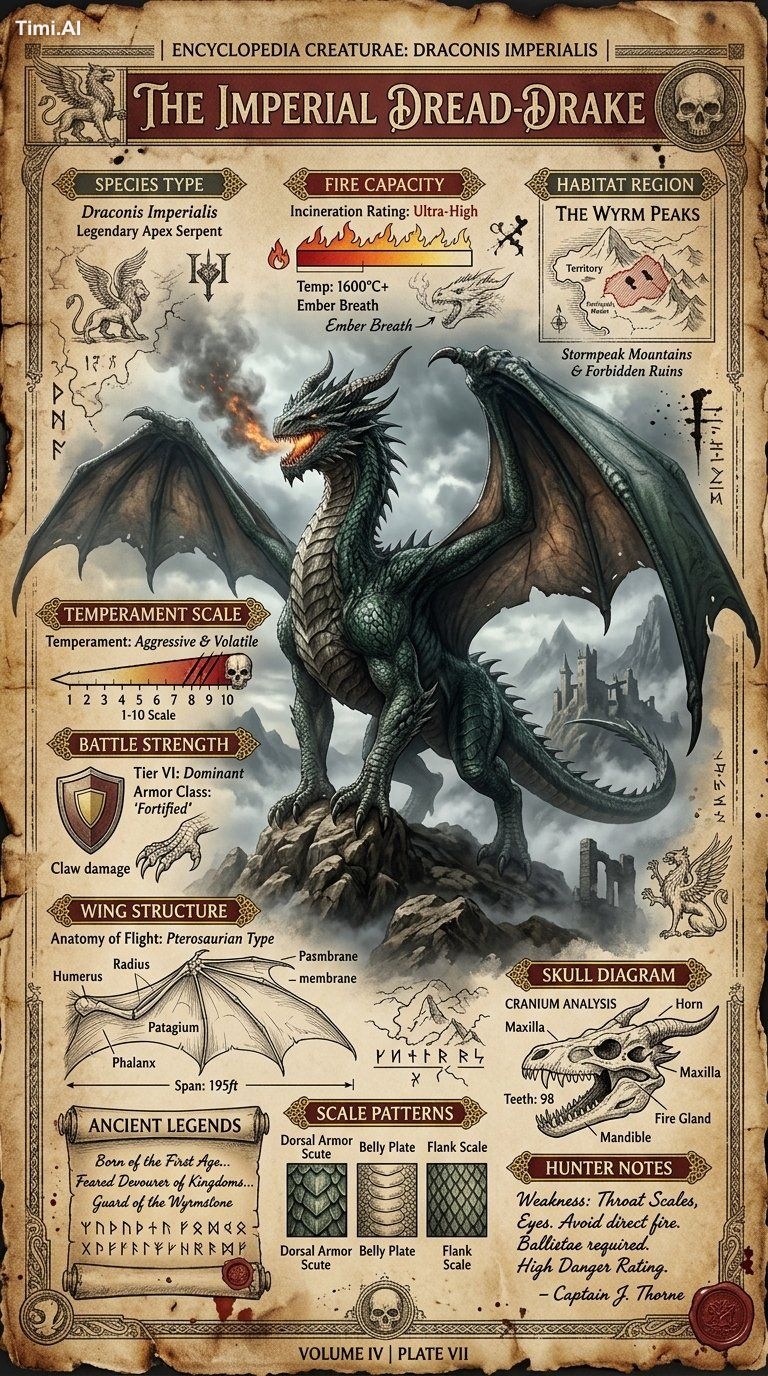
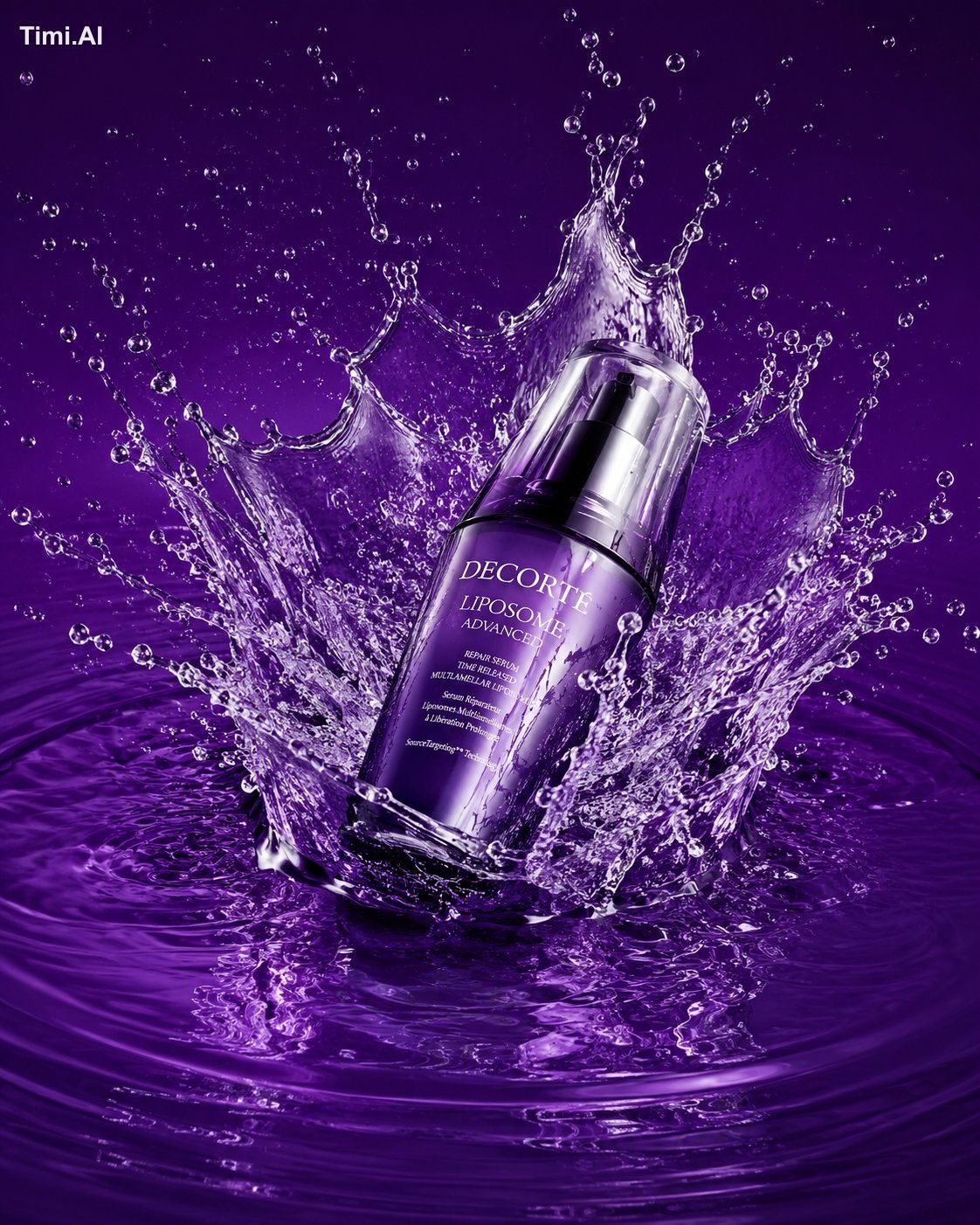
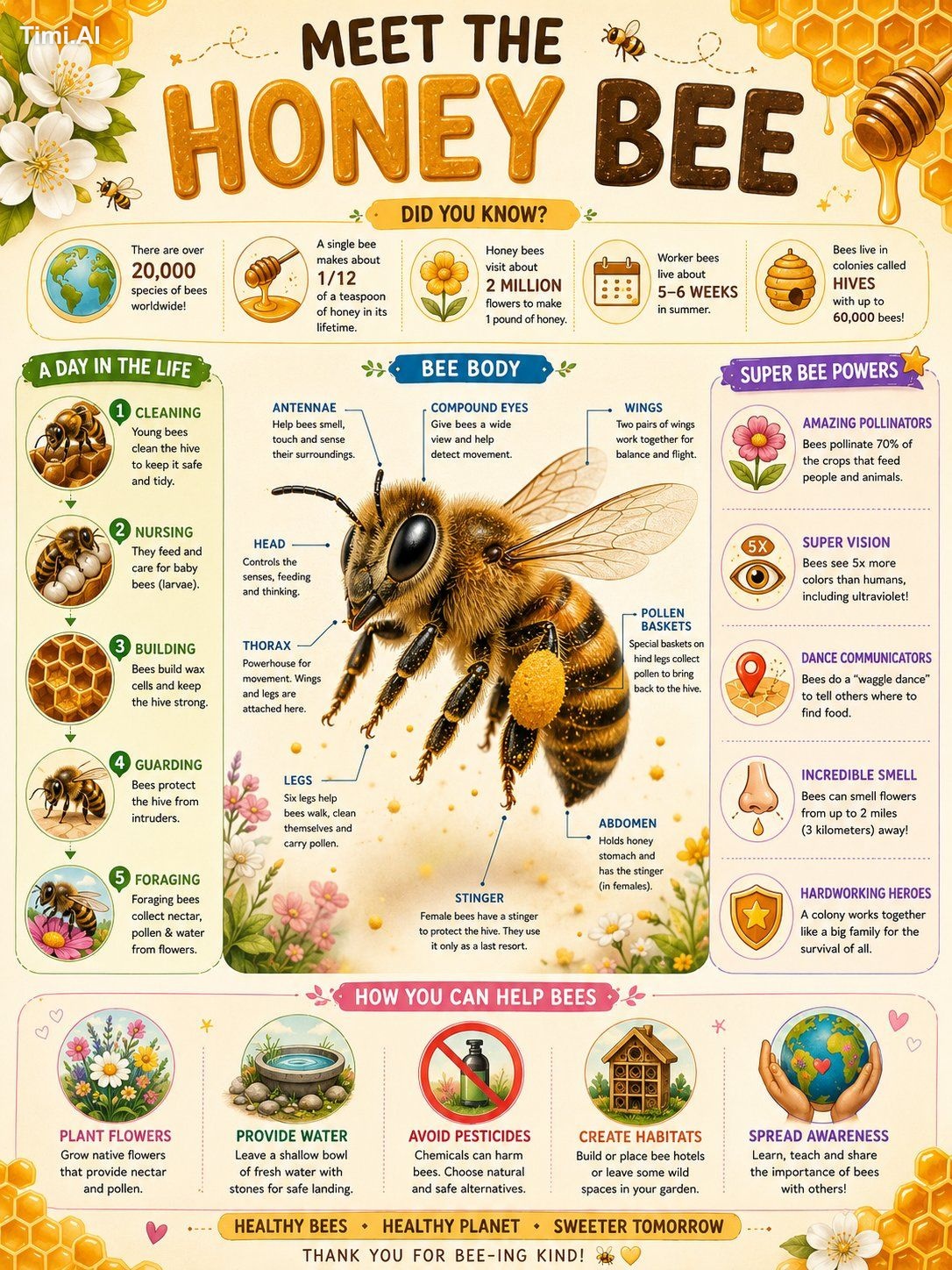
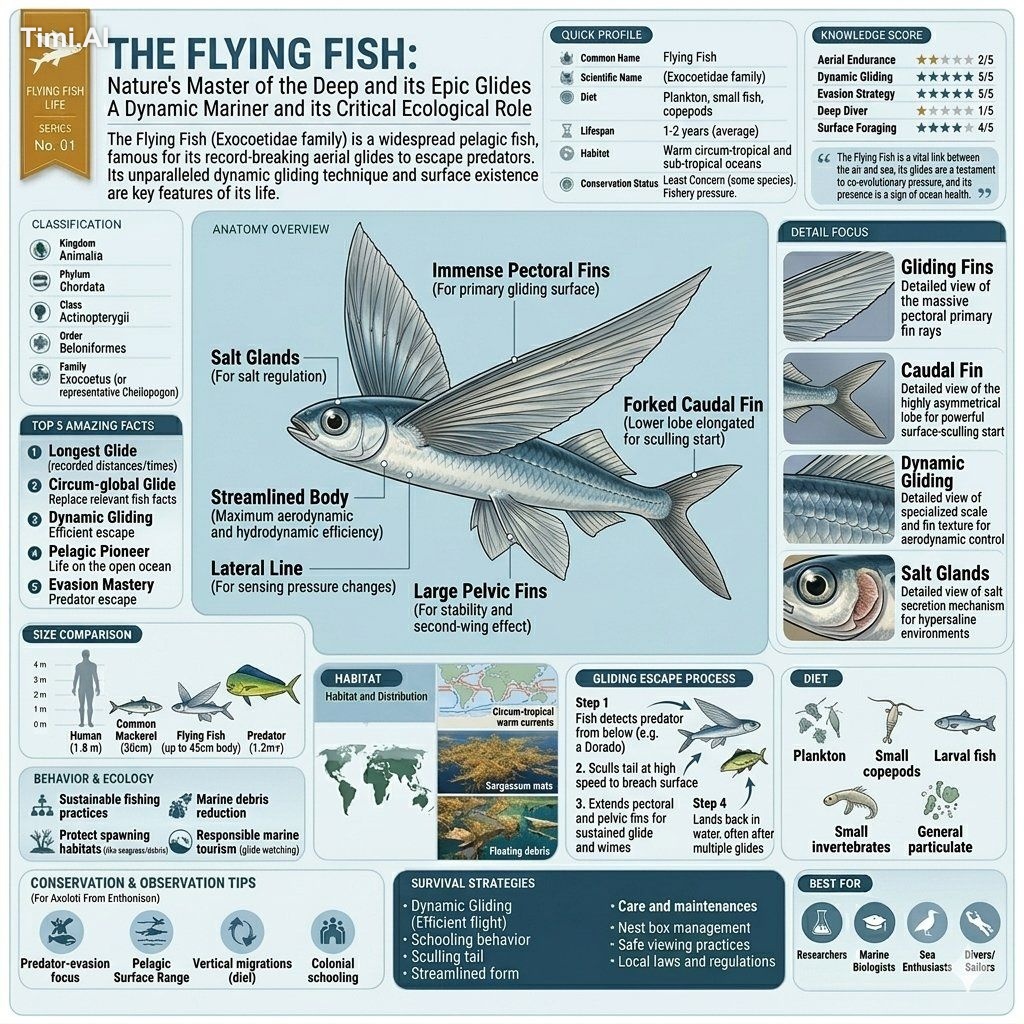
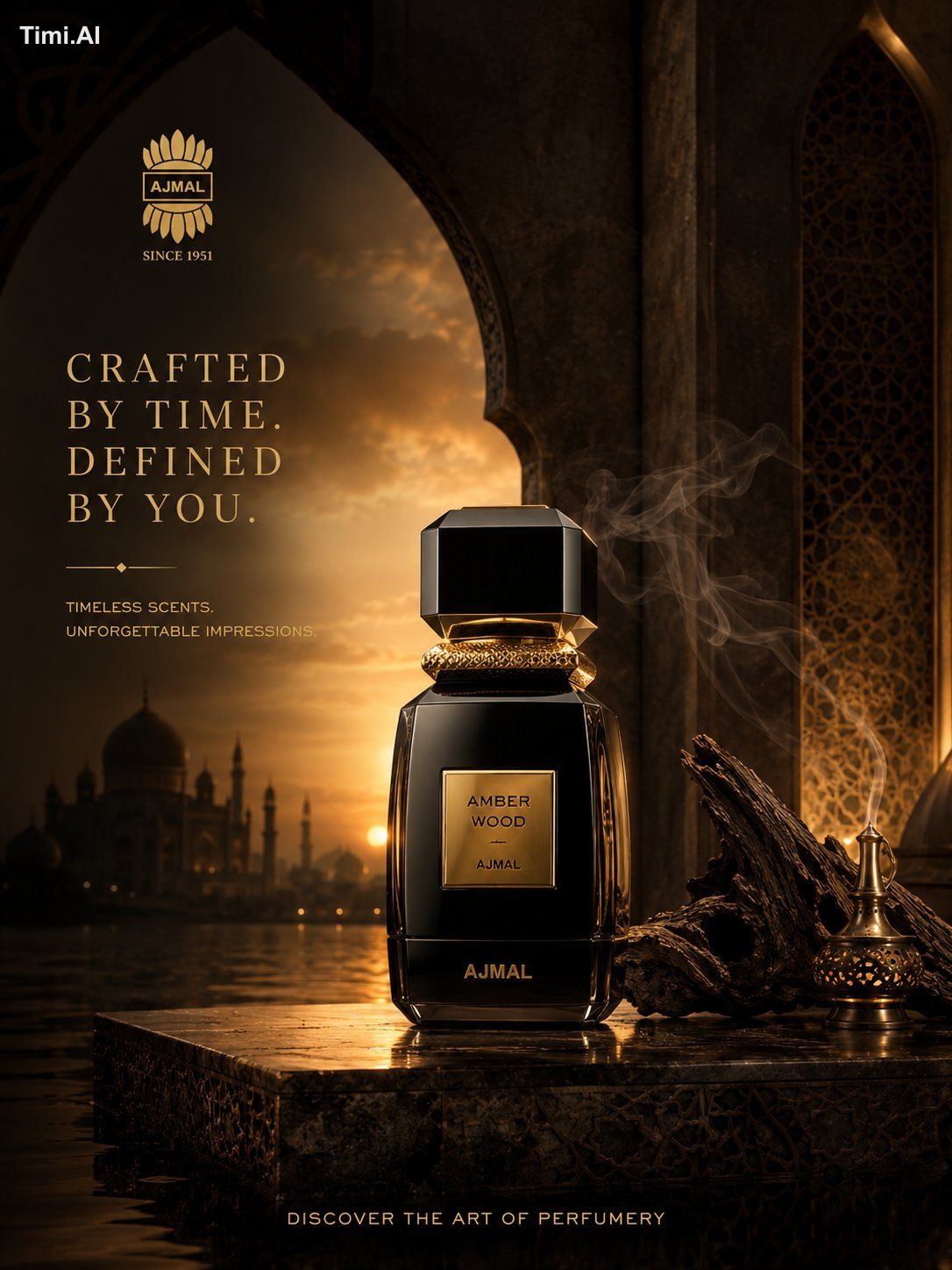
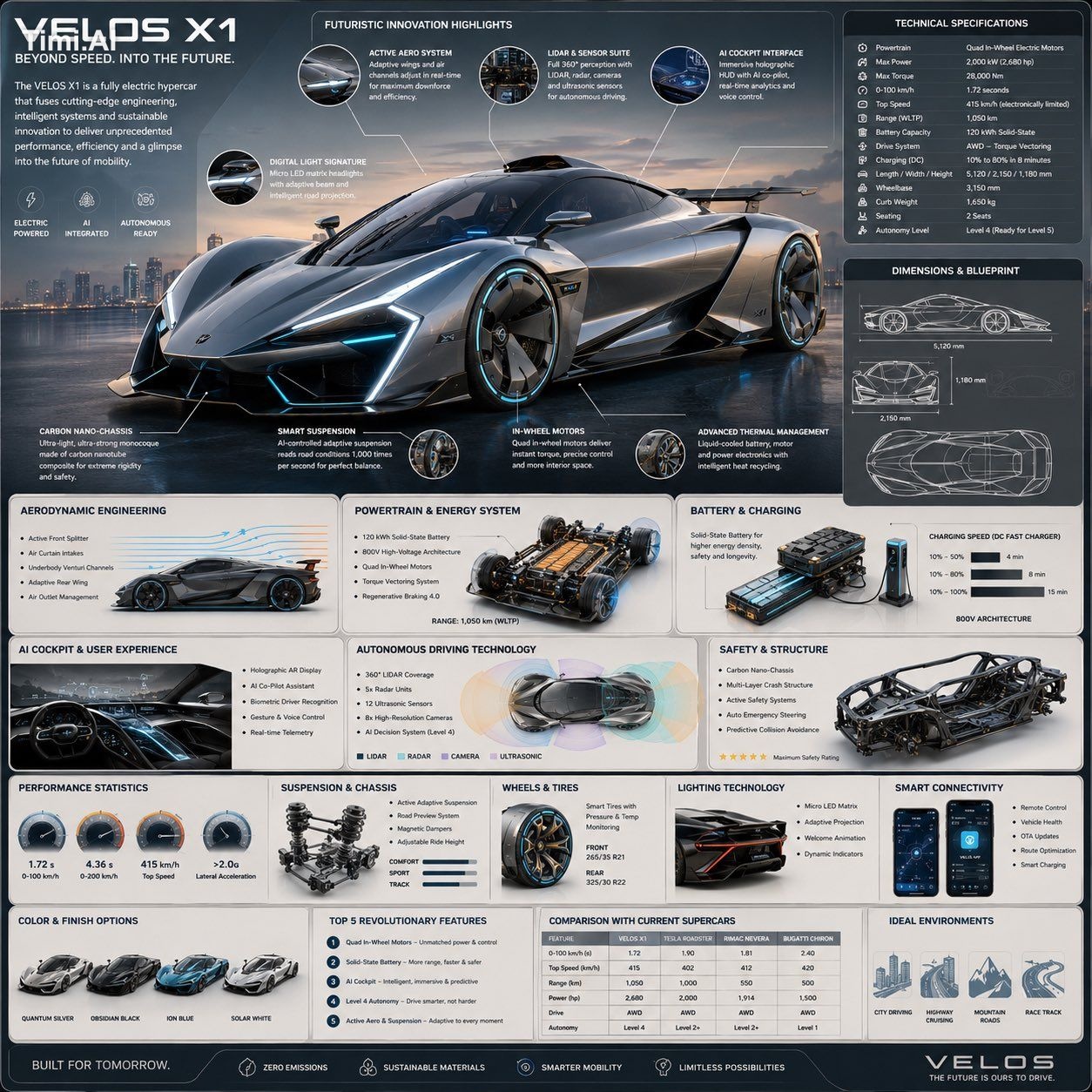
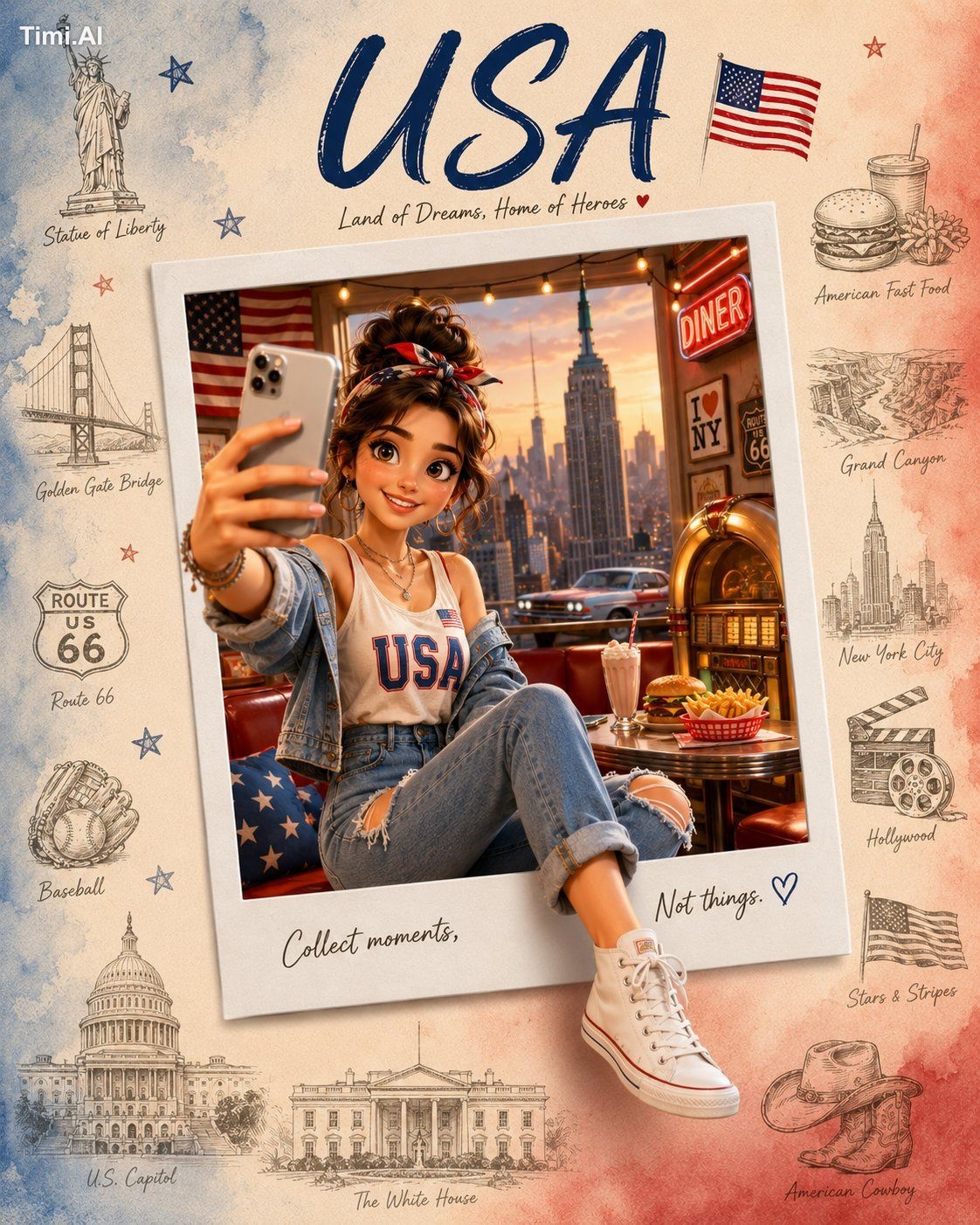
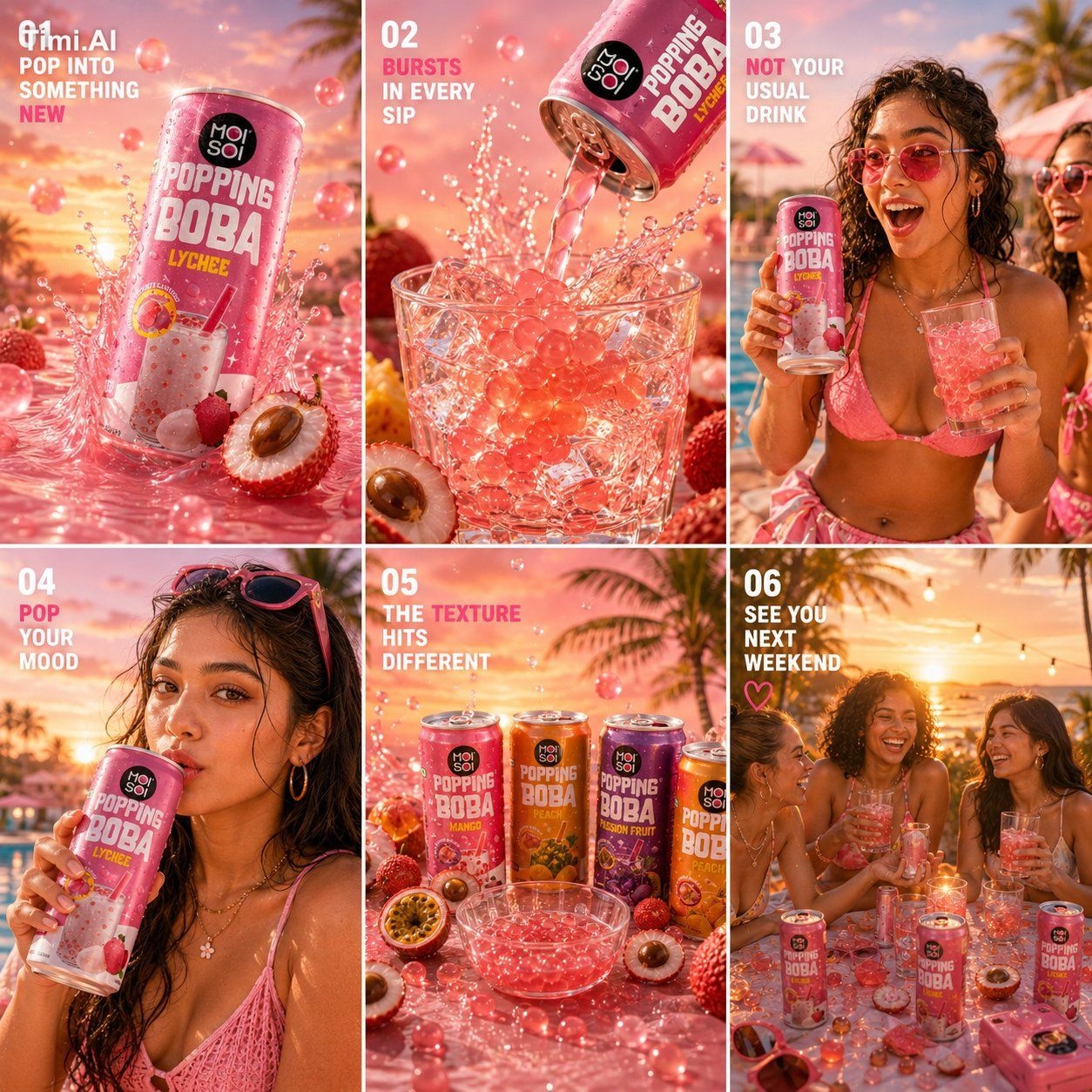
The structure of a complete AI art prompt
Goal and subject
State what you are making and for whom, then define identity, number, appearance, action and relationships. Replace vague phrases like “beautiful person” with visible details.
Scene, composition and viewpoint
Specify place, time, weather, background depth, subject scale, camera distance, angle, symmetry or negative space. Composition usually matters more than a pile of style names.
Light, material and color
Describe direction, softness, temperature and contrast, then the key behavior of skin, fabric, glass, metal or paper. Use a focused primary and secondary palette.
Output constraints
Finish with ratio, resolution intent, background, exact text and observable errors to avoid. Keep negative instructions relevant and consistent with the positive brief.
What to keep in mind
- The same prompt behaves differently across models and versions.
- Real people, brands, protected characters and third-party images require rights checks.
- AI output is useful for exploration, but commercial delivery still needs human review.
AI image prompt FAQ
Are longer AI image prompts always better?
No. A prompt should be complete but coherent. Relevant detail helps; repeated adjectives and contradictory styles reduce control.
What is a basic text-to-image prompt formula?
Start with purpose + subject + action + scene + composition/camera + lighting + materials/style + palette + aspect ratio + constraints, then adapt to the model.
Can one prompt work across models?
It can be a starting point, but reference-image support, typography, parameters and preferred phrasing differ between models.
Is the prompt gallery free?
Browsing and copying are free without signup. Generating through promptpng requires login and uses credits based on model and sharing choice.
How should I choose a model?
Use real examples close to your task, then compare cost, reference support, typography, output size and speed instead of choosing only by name.