AI image prompting guide
How to Write AI Image Prompts That Produce Usable Results
Prompting is not a contest to stack words such as masterpiece, cinematic and 8K. It is the work of translating a visual idea into an executable brief. Start with the asset's purpose, then describe subject, scene, composition, light, materials and constraints in the order a viewer would notice them.
The method below works as a foundation for GPT Image, Nano Banana, Midjourney, Seedream and other models. Capabilities differ, but clear requirements, small iterations, saved versions and final human review remain essential.
Six steps for writing an executable prompt
1. Define use and format
State whether the image is an avatar, ecommerce hero, article cover, vertical ad or infographic, then choose aspect ratio and copy-safe space.
2. Define subject and action
Describe who or what appears, count, visible traits, pose, expression, action and relationships with products, props and people.
3. Arrange scene and composition
Set place, time, weather, background depth, subject scale, camera distance, viewpoint and negative space.
4. Describe light and material
Specify direction, softness, temperature and contrast, then how skin, fabric, glass, metal, paper or food should look.
5. Add palette and style
Choose a focused color system and one coherent visual direction. Style must serve the use case rather than combine conflicting media and eras.
6. Add constraints and iterate
List the three to five most likely failures. After generation, solve one class of problem per revision and preserve successful versions.
Learn prompt structure from real results
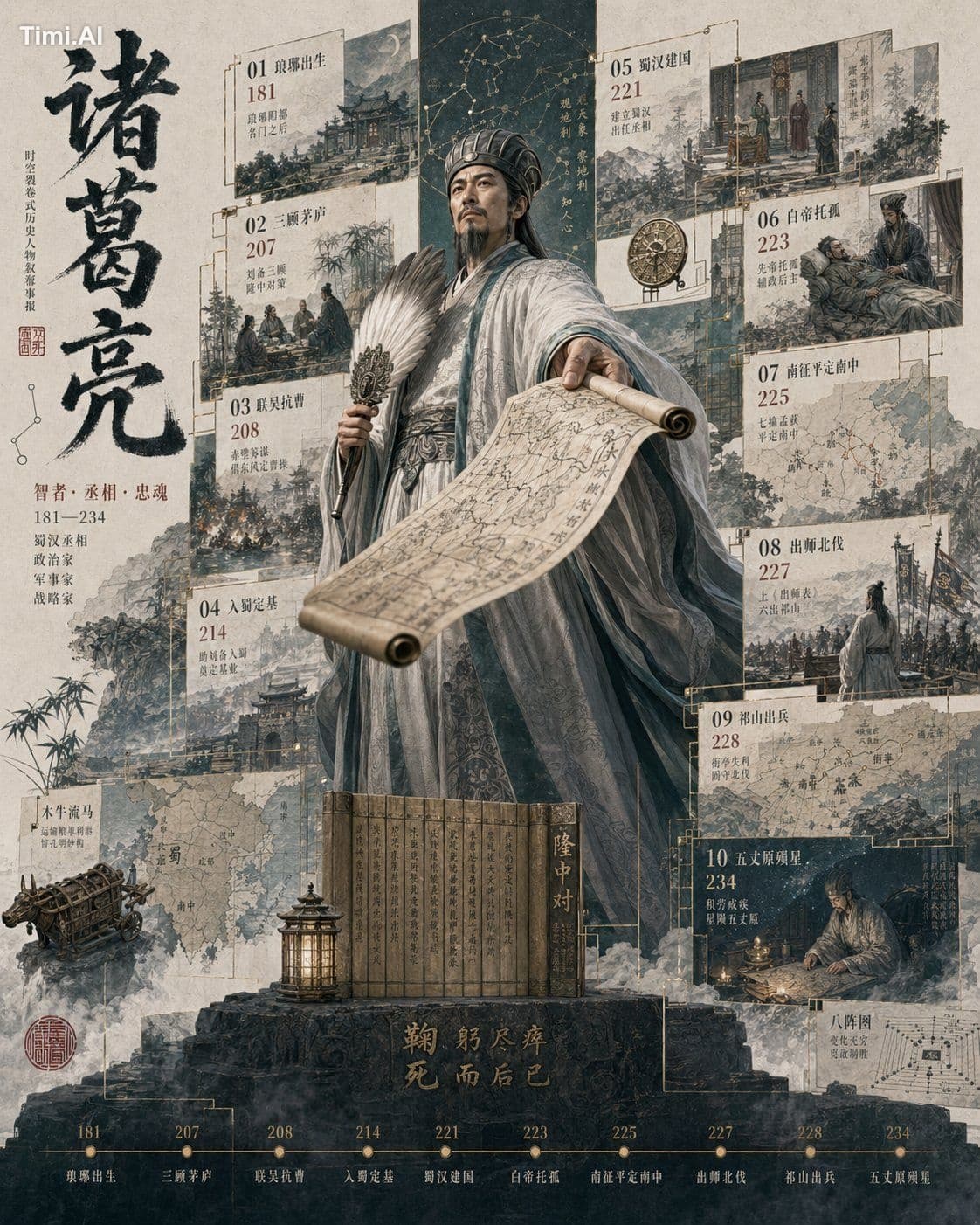
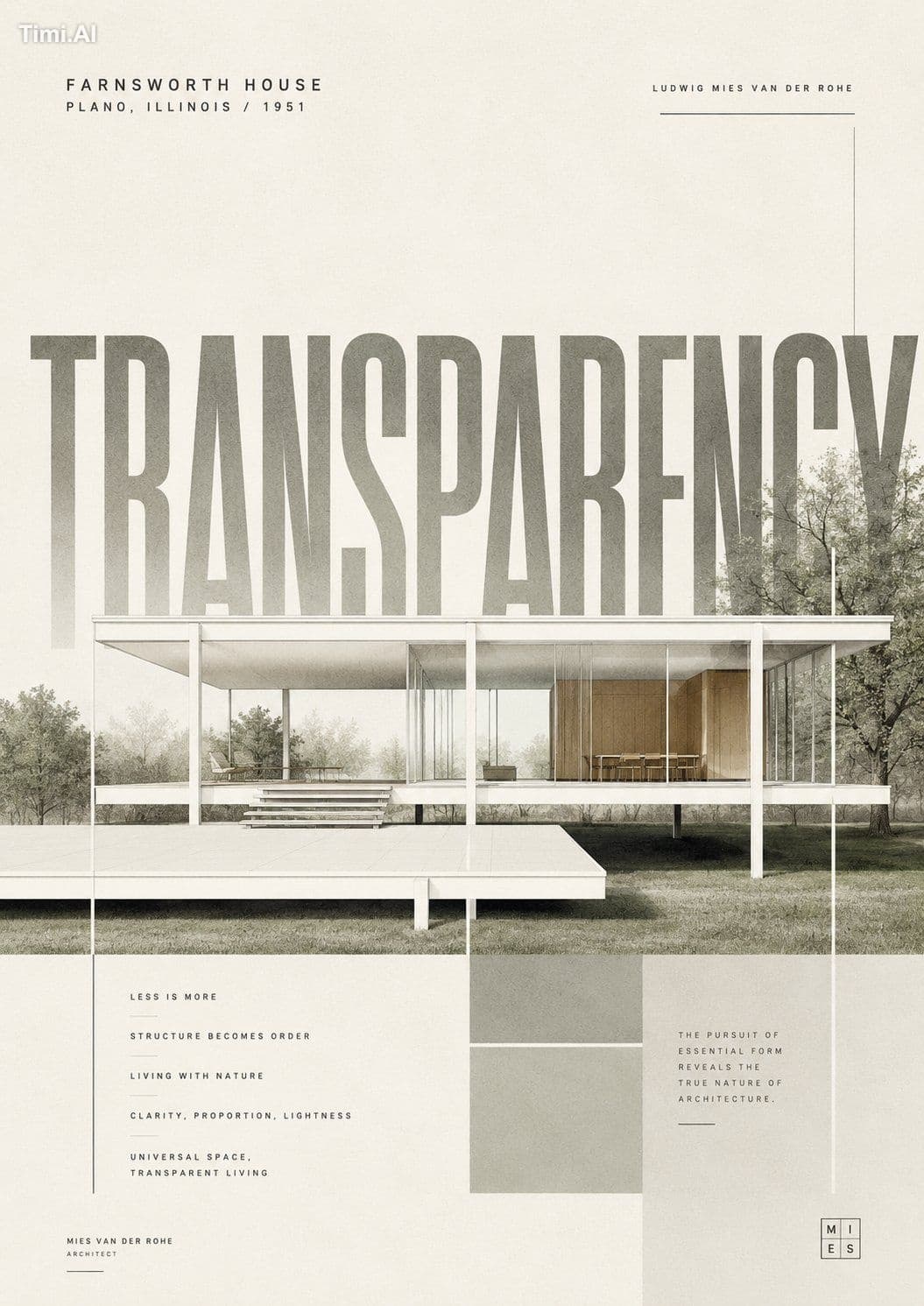
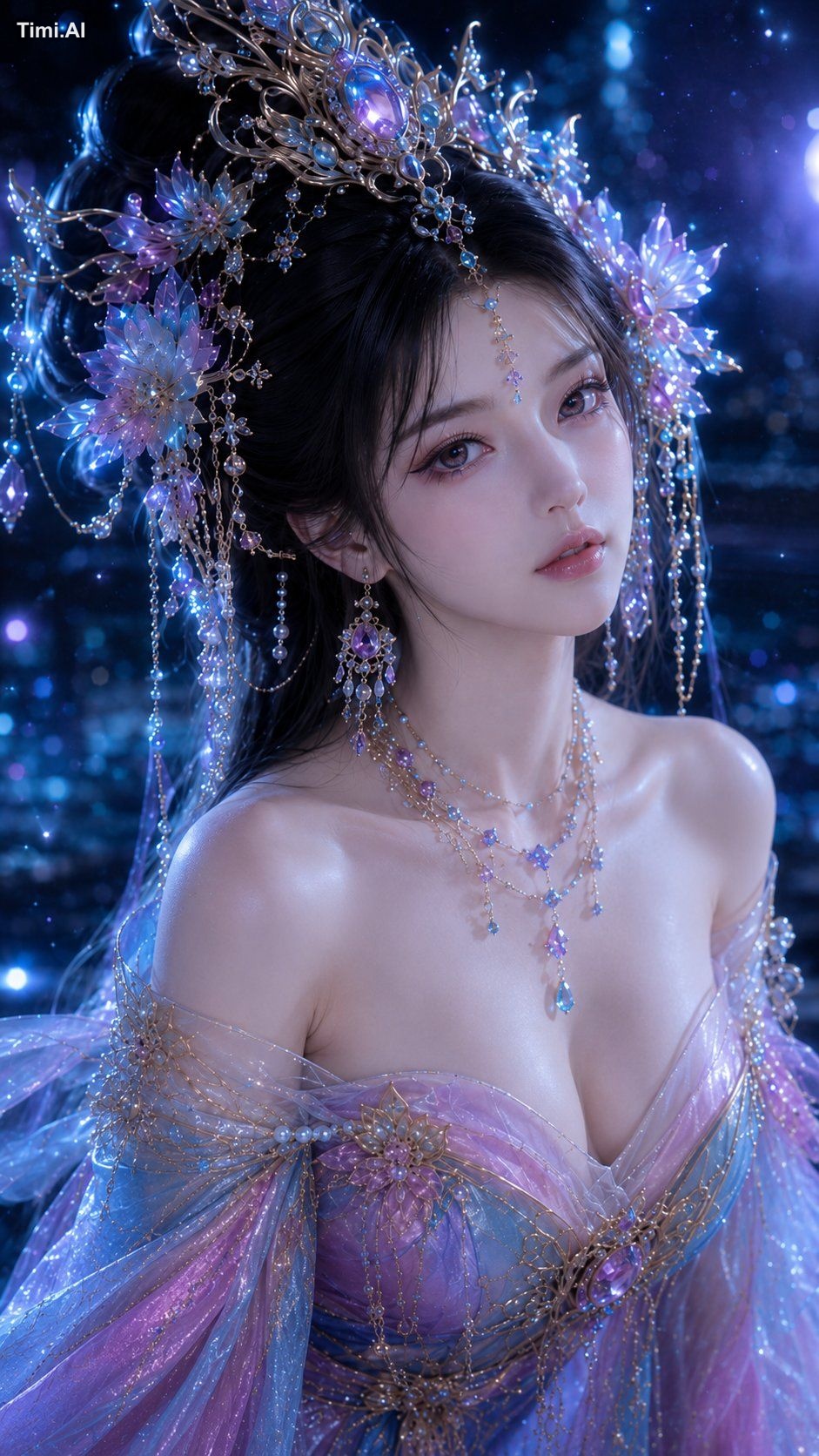
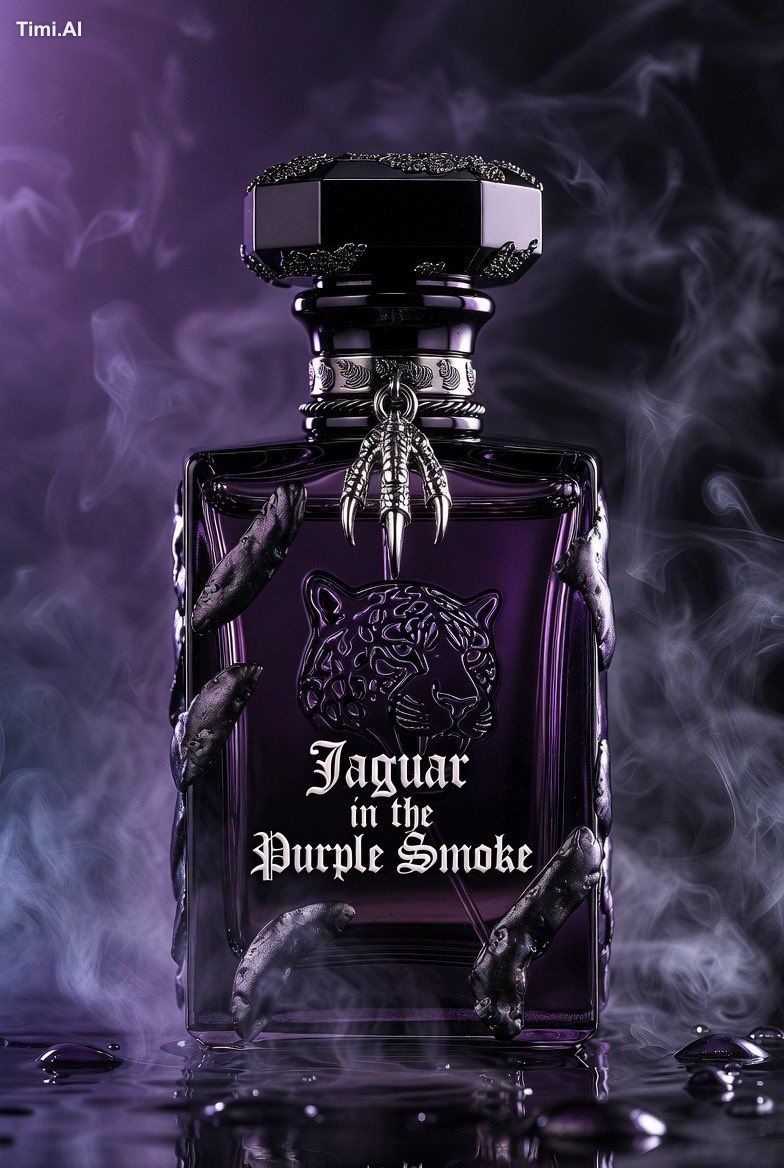
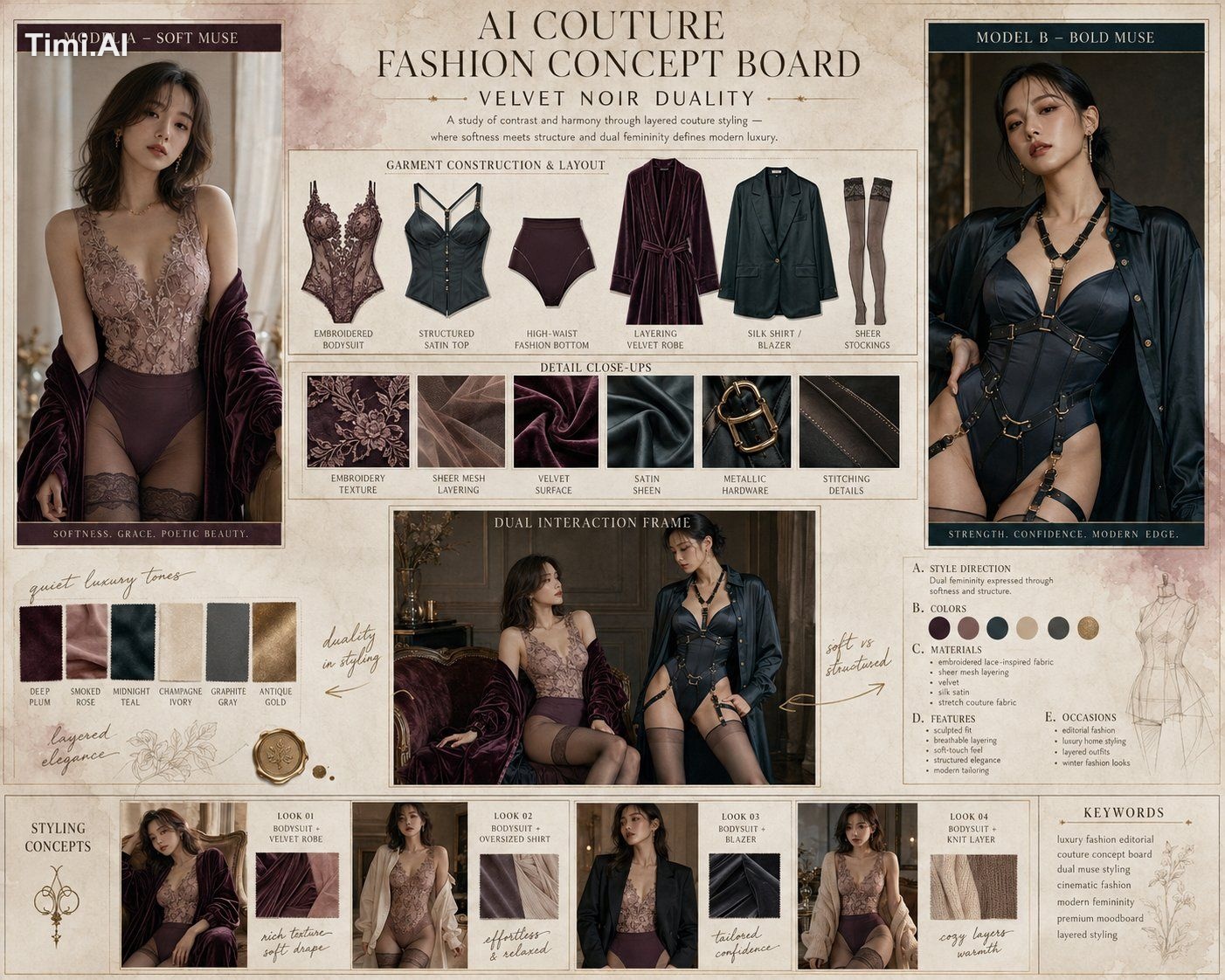
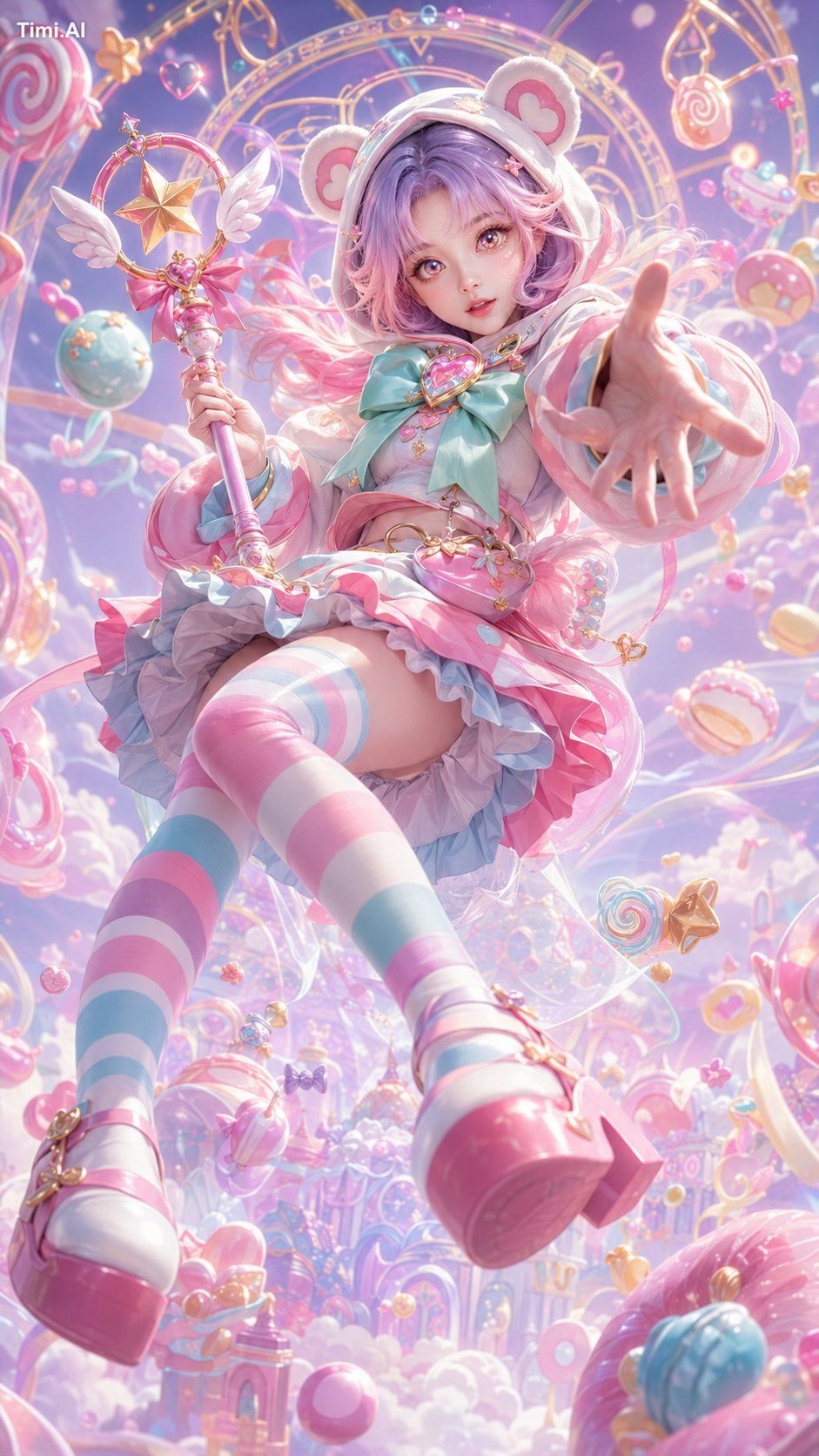
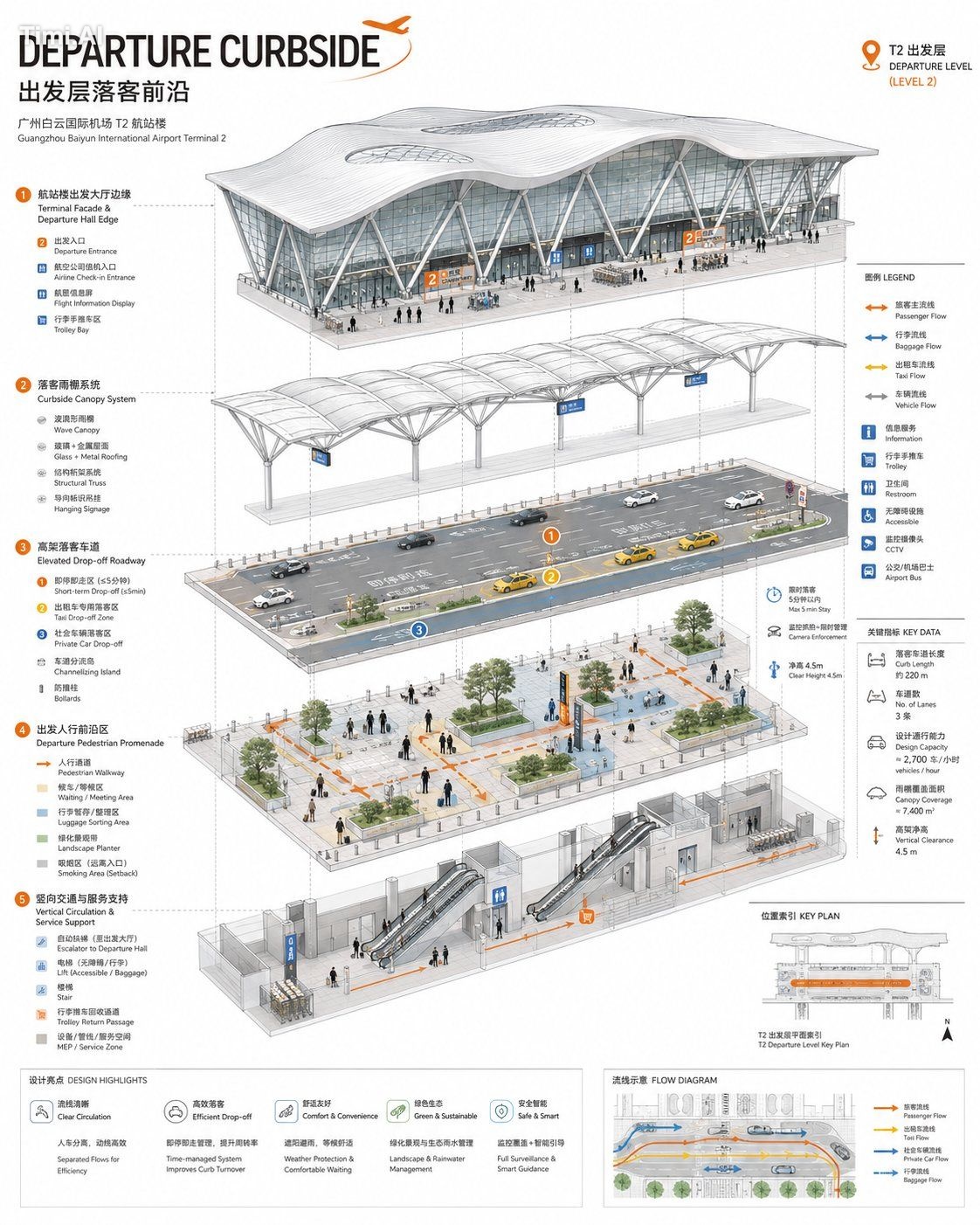
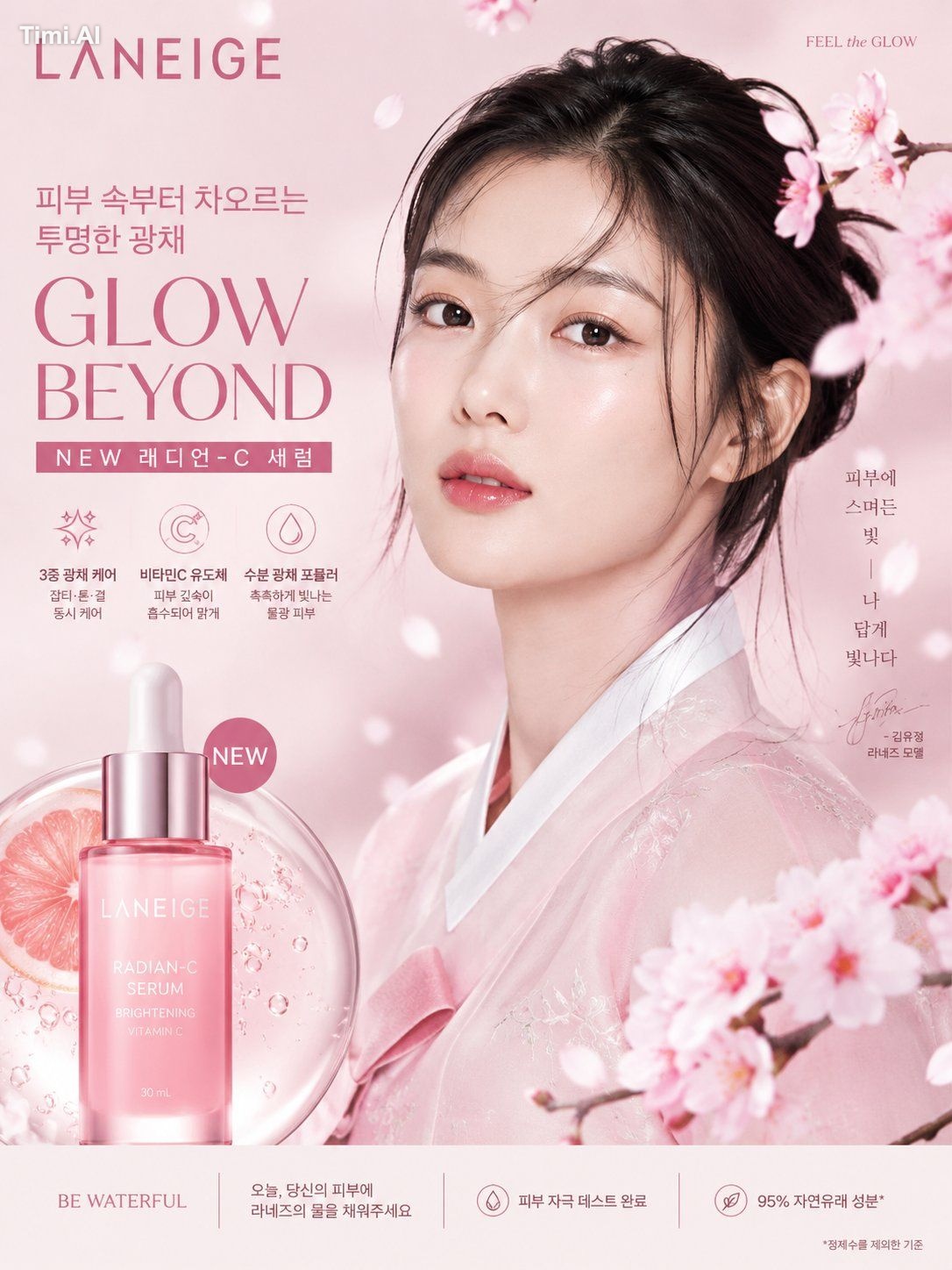
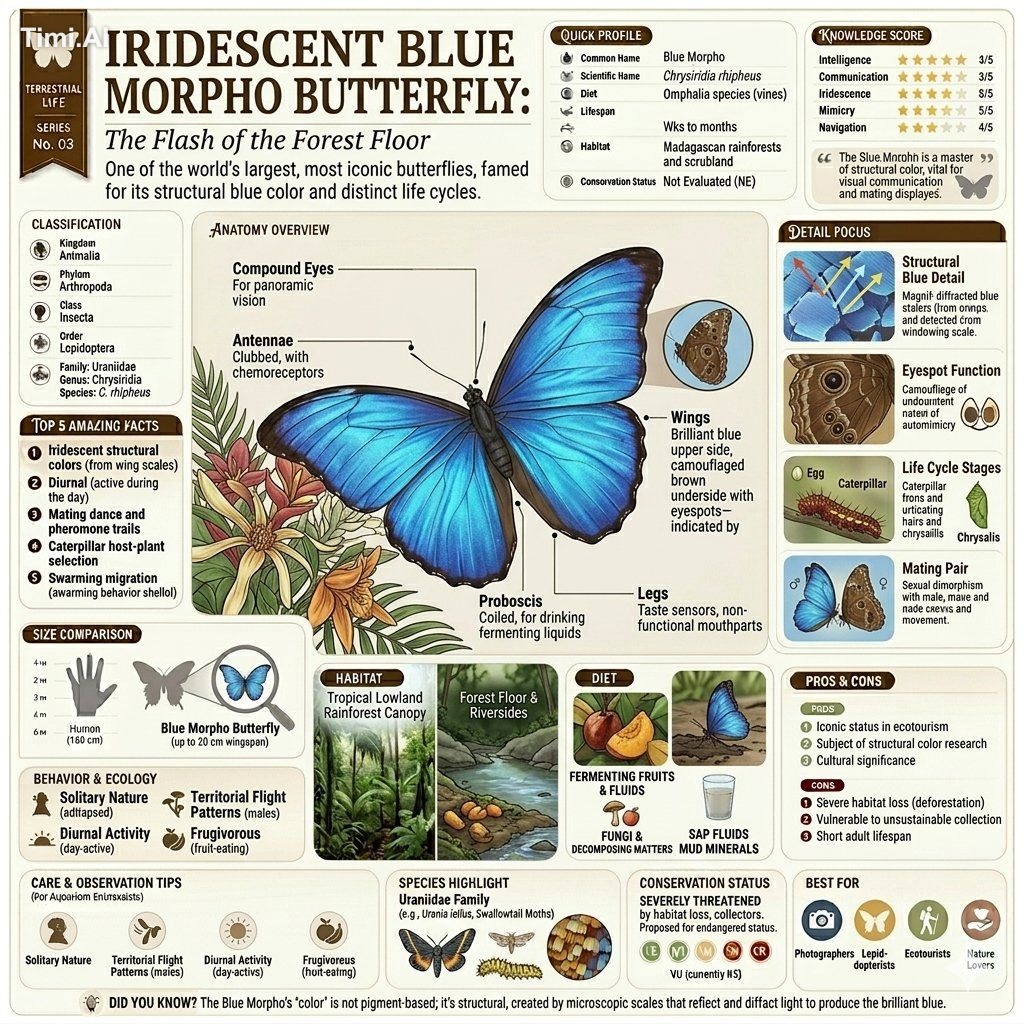
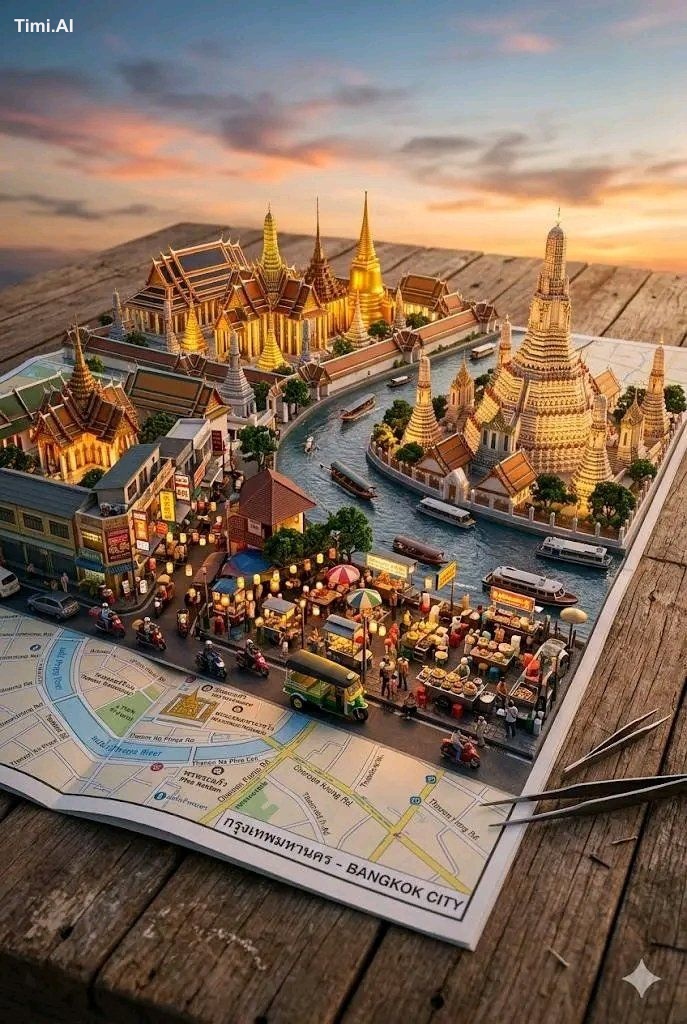
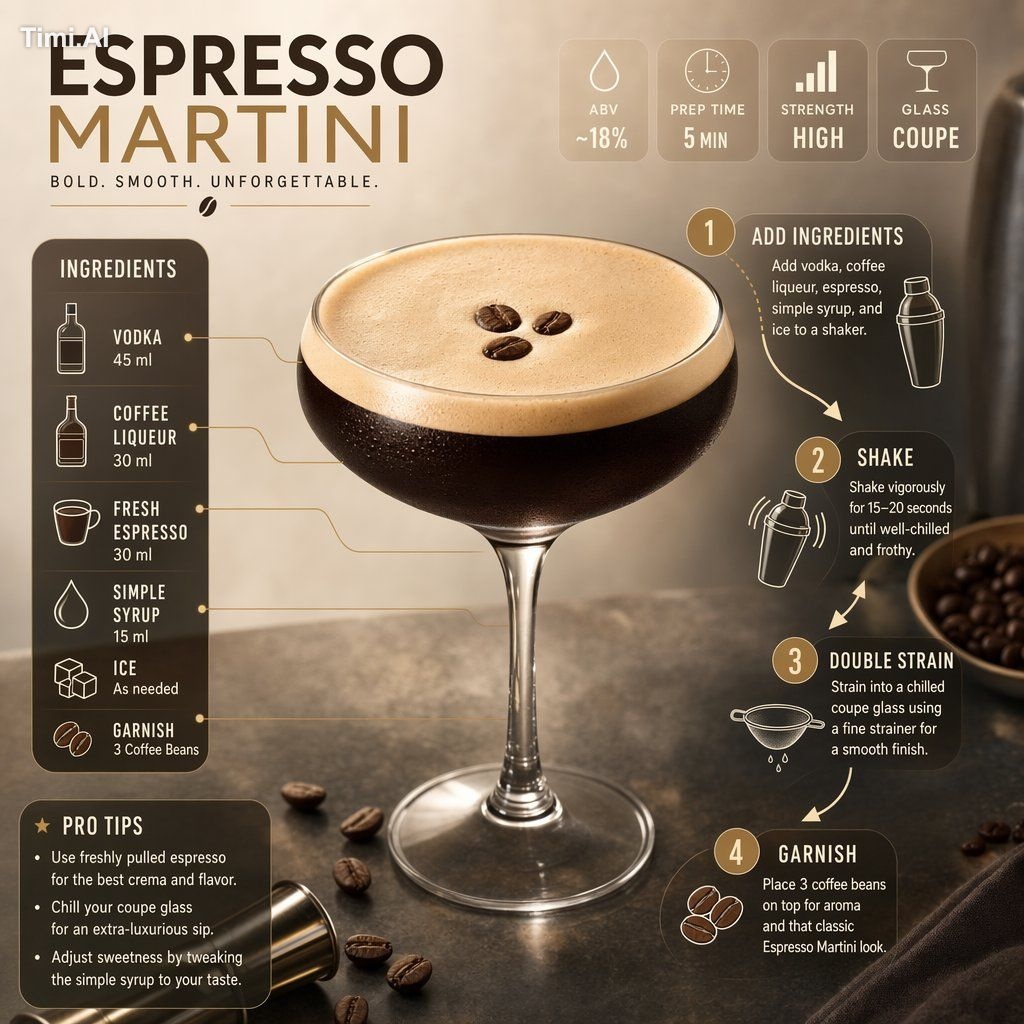
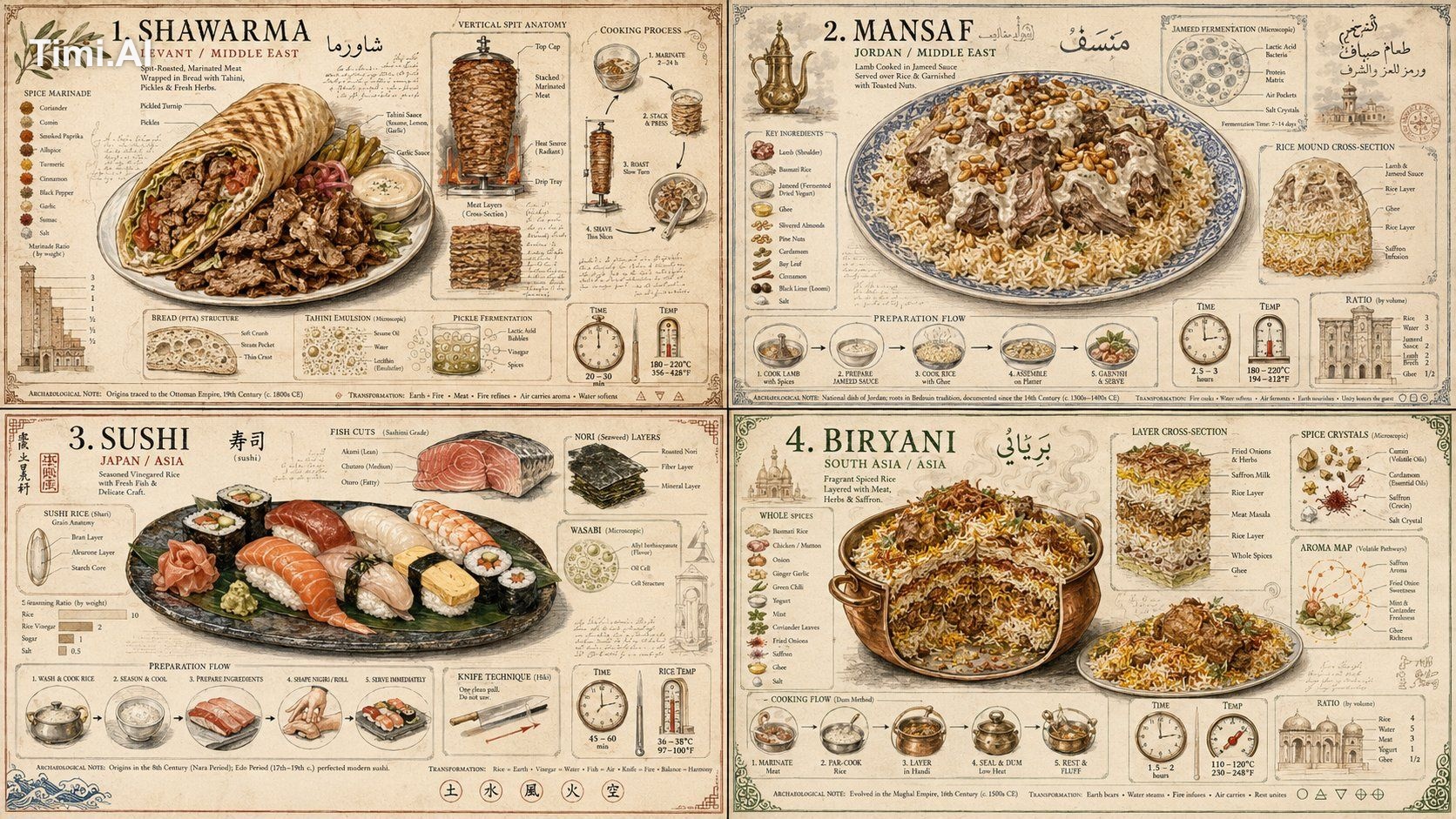
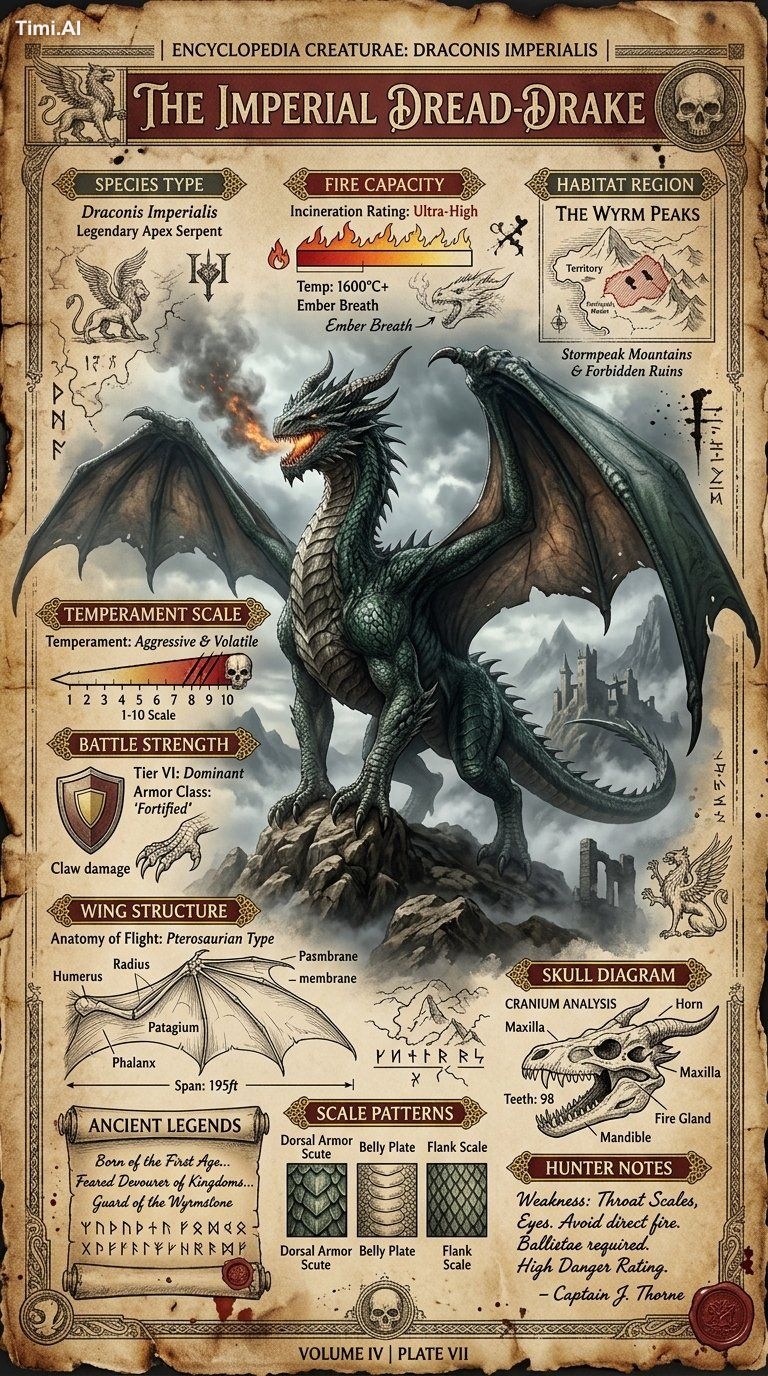
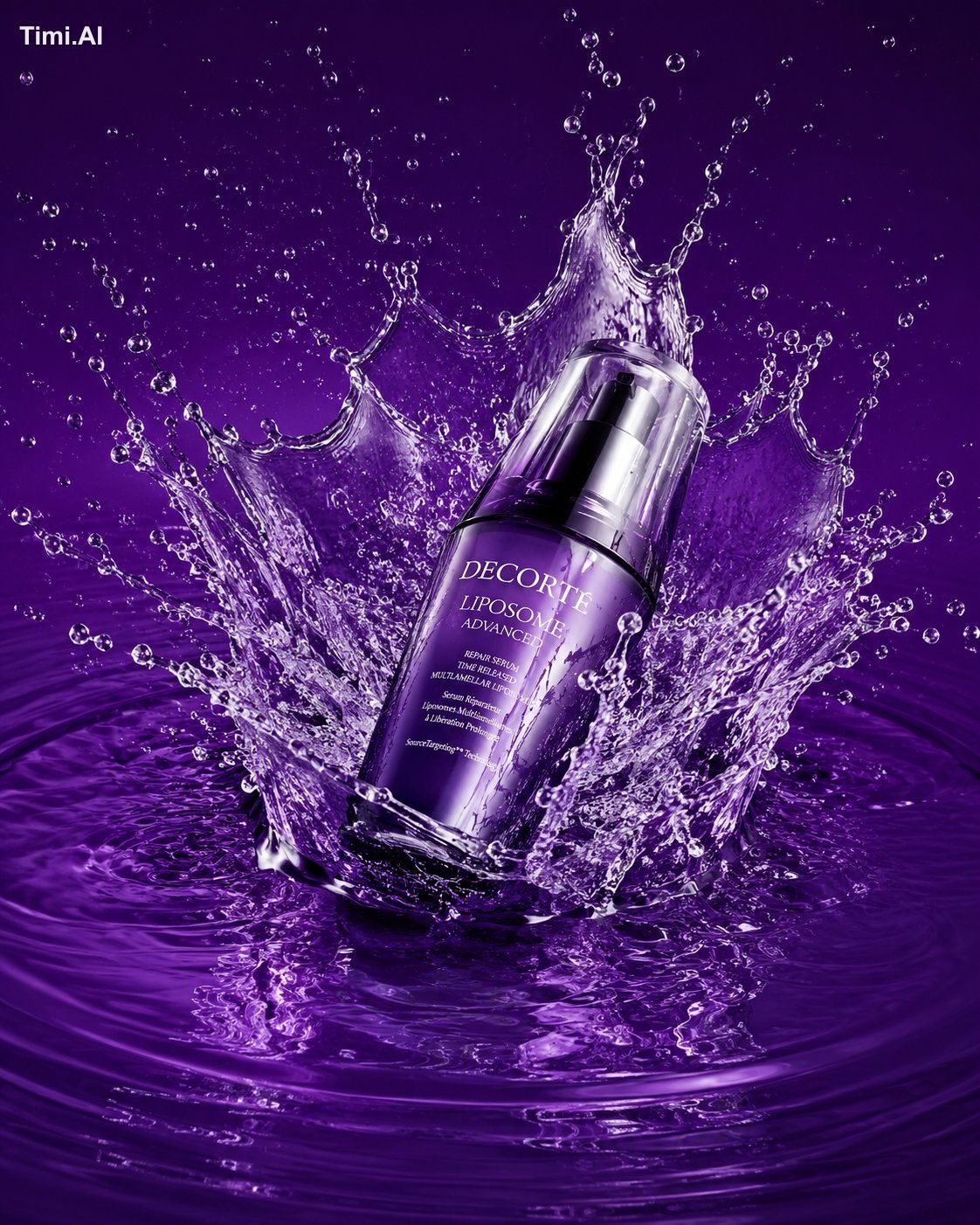
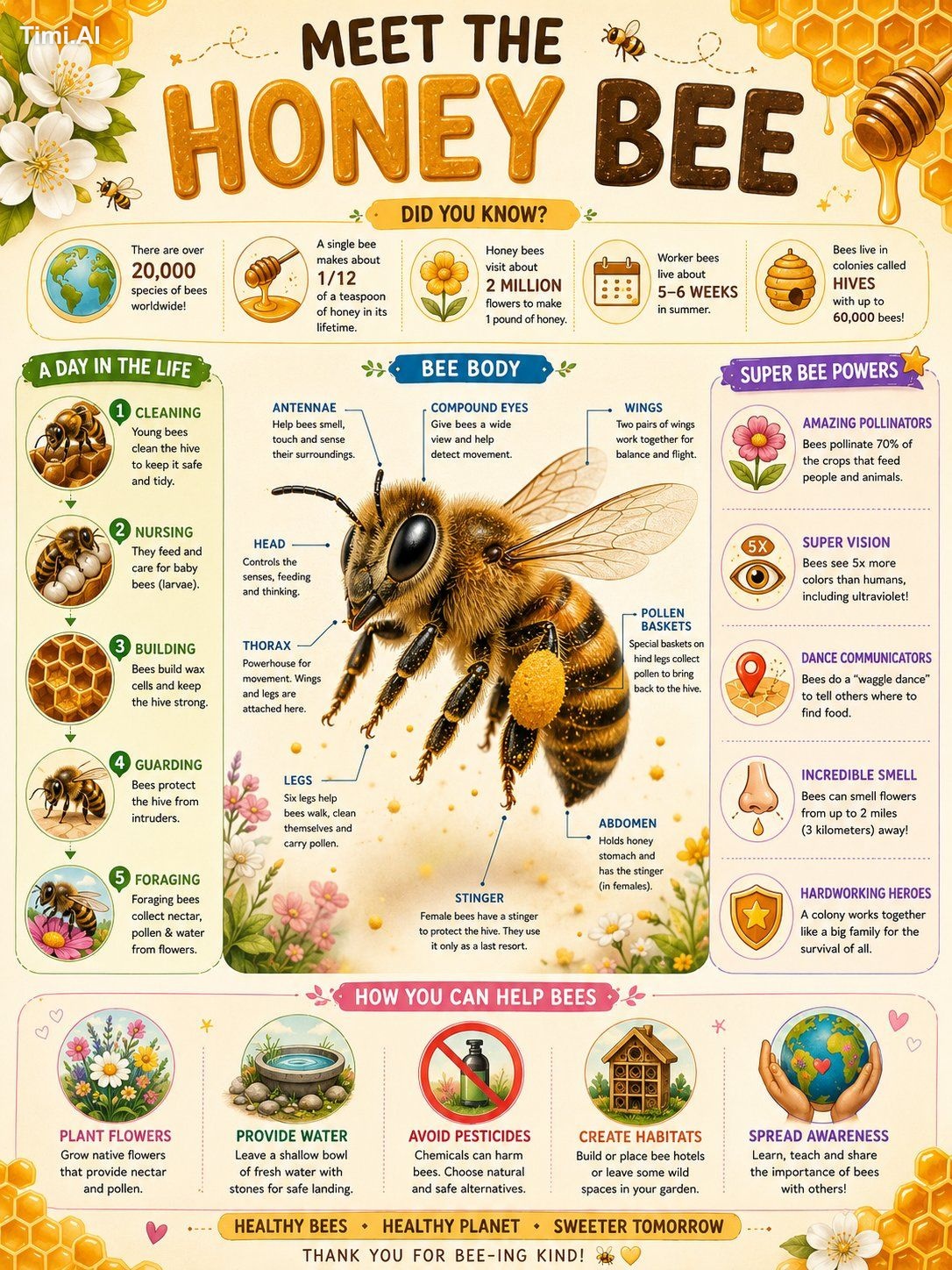
Open any example below and compare the output with its full prompt. Notice how subject, camera, light, material and constraints work together.

From a vague idea to a useful creative brief
Do not begin with style words
Cinematic, premium and photorealistic cannot define the job alone. First write “a vertical launch poster for a coffee brand,” then specify product, composition, lighting, brand colors and copy area.
Replace opinion with visible evidence
Turn “moody” into “blue hour, warm window light from the right and low-contrast shadows.” Turn “premium product photo” into “centered product, soft top light, edge highlight and natural contact shadow.”
Give every reference image one job
A reference may control identity, clothing, product structure, pose, palette or composition. Multiple unexplained references force the model to guess between conflicting signals.
Build reusable modules
Save proven composition, lighting, material and constraint blocks, then replace subject and scene. A template should reduce repeated work without making every image identical.
Common reasons prompts fail
- Conflicting requests such as front view and full profile, or hard light with no shadows.
- Only mood and style are defined; subject placement, camera, use and format are missing.
- Every variable changes at once, so the useful improvement cannot be identified.
- Text, hands, labels and brand elements are accepted without human review.
AI image prompting FAQ
Where should a beginner start?
Find a real result close to your goal, copy its prompt and replace only subject, scene and palette. Learn the structure before changing camera, light and constraints.
Do I need camera settings?
No. Camera distance, viewpoint, depth of field and light direction matter more than listing camera bodies. Add technical settings only when they communicate a real visual choice.
How many negative prompts should I use?
Start with three to five failures relevant to the task. A huge generic negative list can contradict the positive brief.
How do I keep a person or product consistent?
Use a clear reference, state the identity or structure that must stay fixed, preserve the core brief and change only one scene or action variable at a time.
Can generated results be used commercially?
Check model terms, prompt and reference sources, likeness, trademarks, protected characters and asset licenses. Review important commercial output manually.