
GPT Image 2Portraits
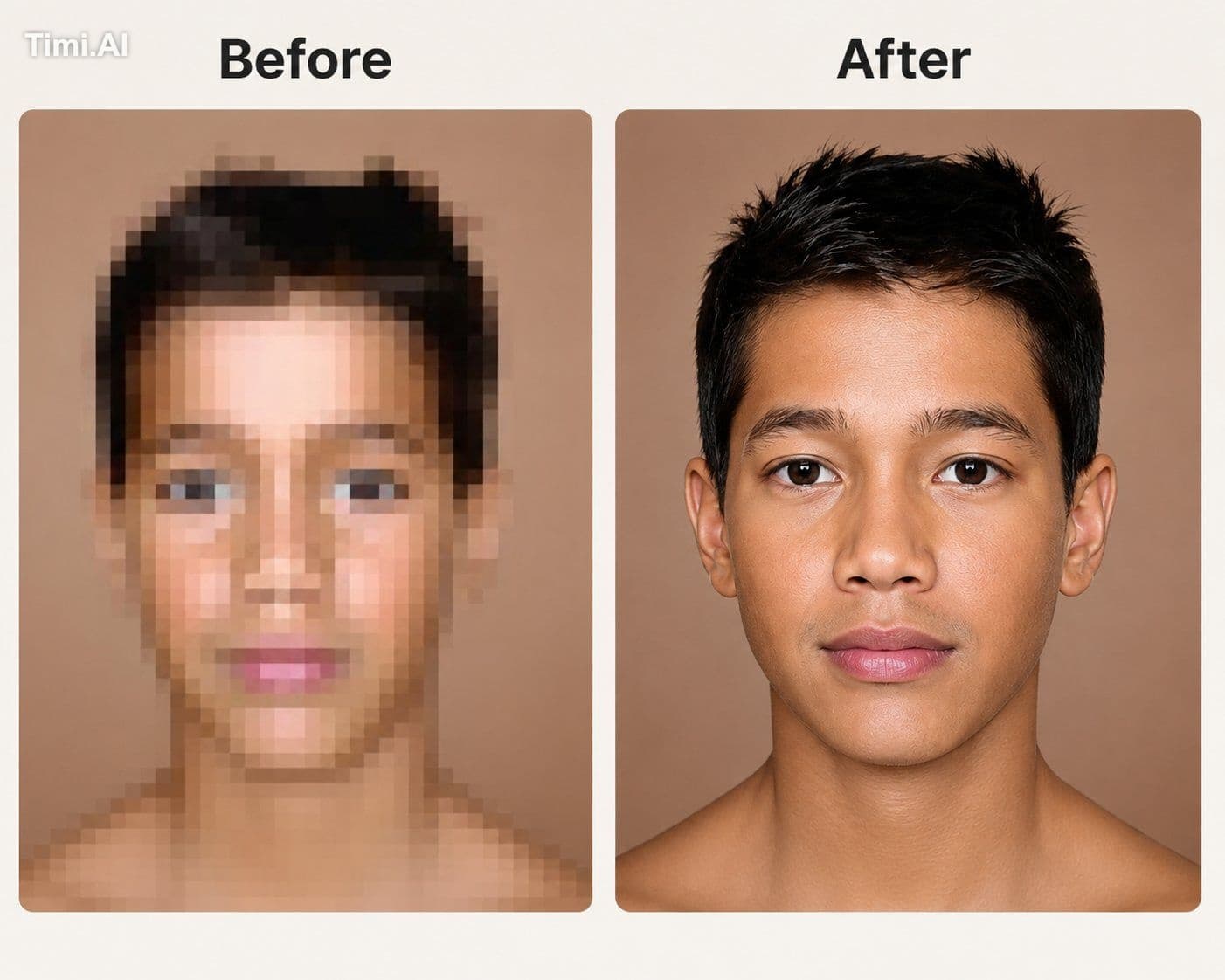
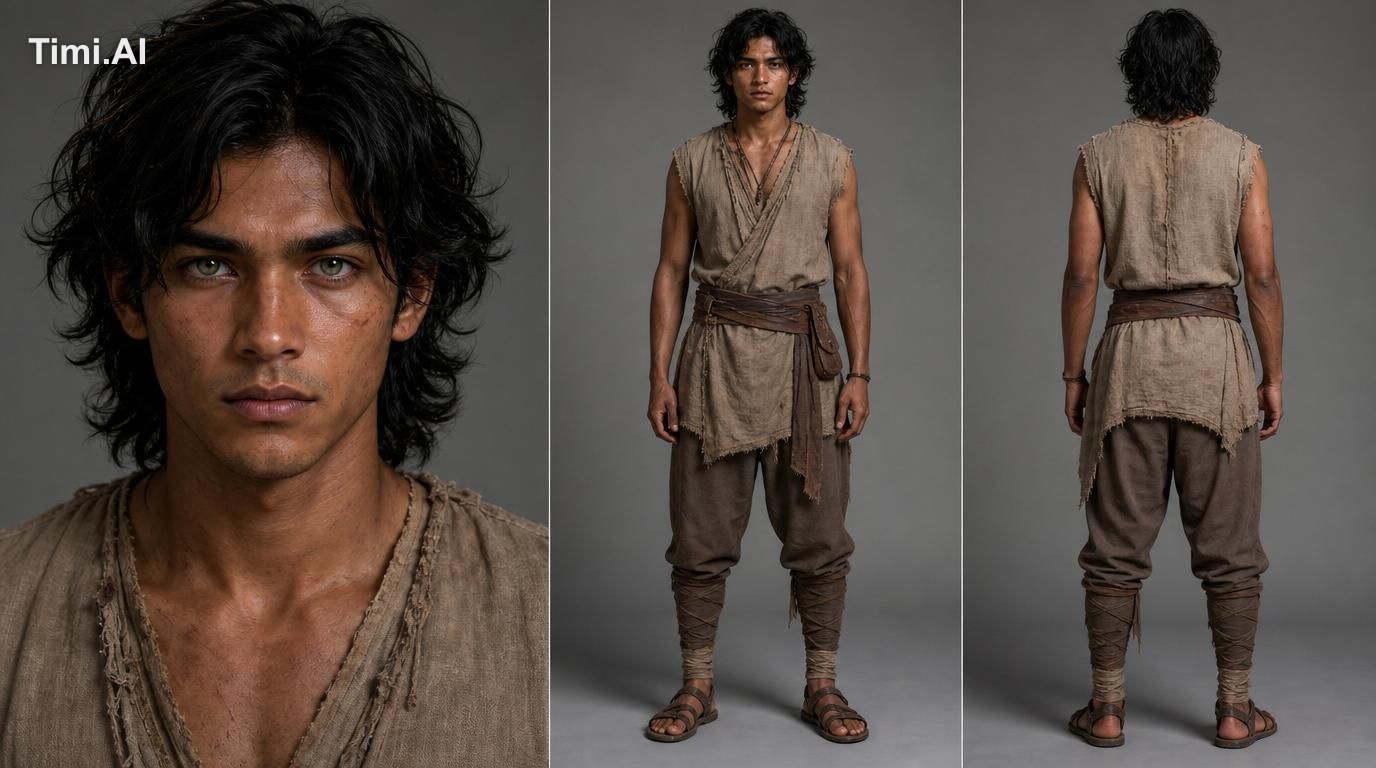
Use the uploaded low-resolution portrait as the primary reference image. Carefully upsca…
GPT Image 2 prompt and image example

@abs_uiux
View source post ↗👁 2,600♥ 50★ quality 89
PROMPTTranslation
Use the uploaded low-resolution portrait as the primary reference image. Carefully upscale and restore the photo to ultra-high resolution and print-ready quality, while preserving the subject's exact facial identity, natural facial proportions, hairstyle, skin tone, expression, and original composition.
Reconstruct missing details naturally and intelligently, improving overall sharpness, clarity, and fine facial details without making the image look artificial or overprocessed. Restore realistic eyes, eyebrows, eyelashes, lips, nose, hair strands, and natural skin texture with accurate micro-details. Reduce severe pixelation, compression artifacts, blur, noise, and jagged edges while maintaining a photorealistic appearance.
Preserve the original skin color, lighting, shadows, background, and overall visual character of the source image. Do not beautify, reshape, age, de-age, or alter the person's identity. Avoid plastic-looking skin, excessive smoothing, AI artifacts, halos, oversharpening, fake pores, distorted facial features, or unnatural textures.
Output a clean, sharp, photorealistic, high-resolution restoration suitable for professional printing, framing, archival use, and large-format reproduction, with excellent detail retention and natural colors.
Turn this look into your image
#gpt-image#portrait#restoration#upscale#high-resolution#before-after#face#ai-enhancement#photorealistic
Related prompts
✨ View prompt♥ 174
✨ View prompt♥ 19
✨ View prompt♥ 23
✨ View prompt♥ 54
✨ View prompt♥ 25
✨ View prompt♥ 6
✨ View prompt♥ 16
✨ View prompt♥ 1
✨ View prompt♥ 5
✨ View prompt♥ 1
✨ View prompt♥ 4
✨ View prompt♥ 1